Model-driven app components
Every component of a Power Apps model-driven app, working in your browser, with a guide to when to use each one.
No sign-in. The data is fictional and stays in your browser.
Forms 12
How a record opens: the main form, its states and checks, and the smaller forms around it.
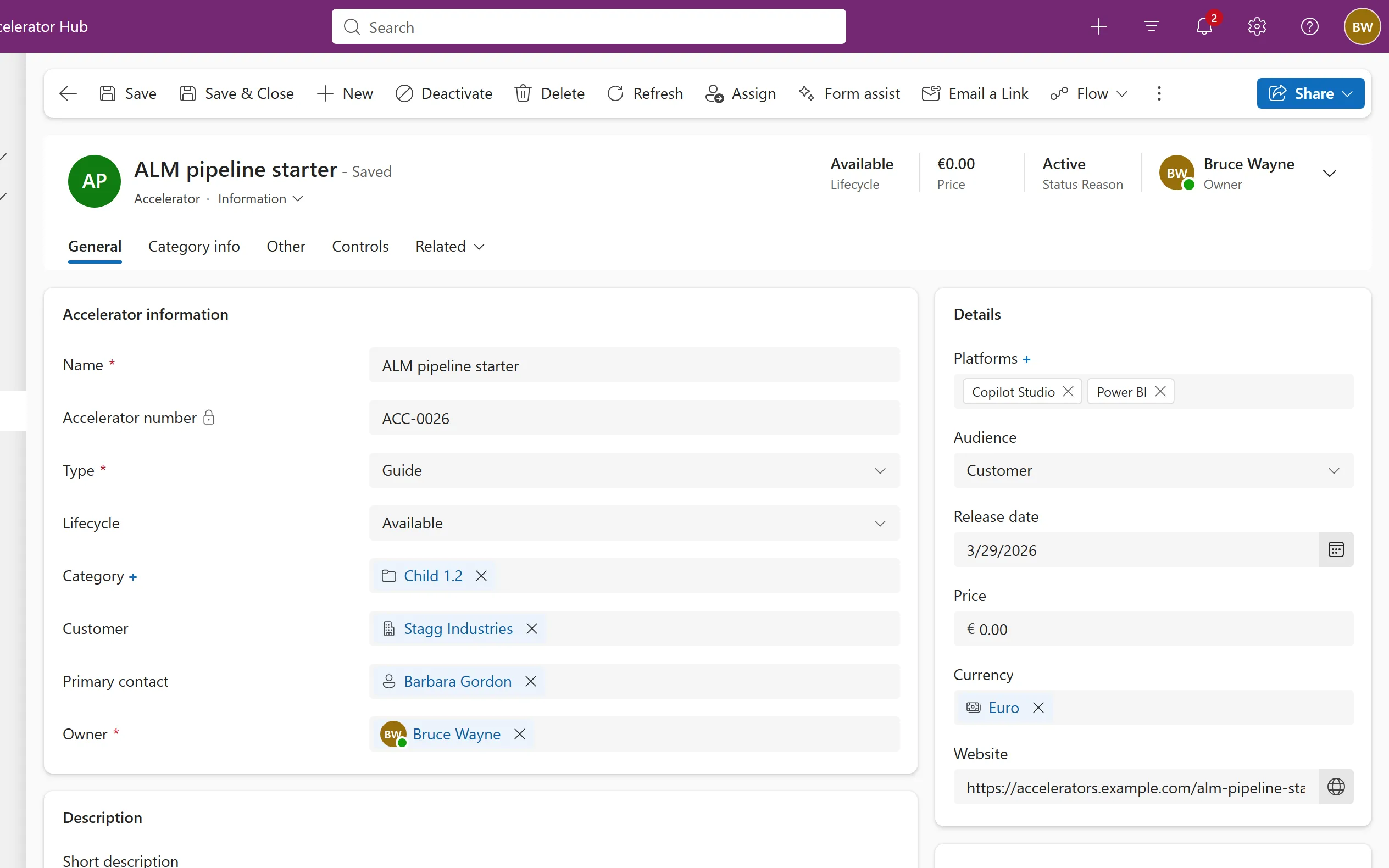
The page for one row: a header card, tabs, and sections of fields in one to three columns, with labels beside or above the fields.
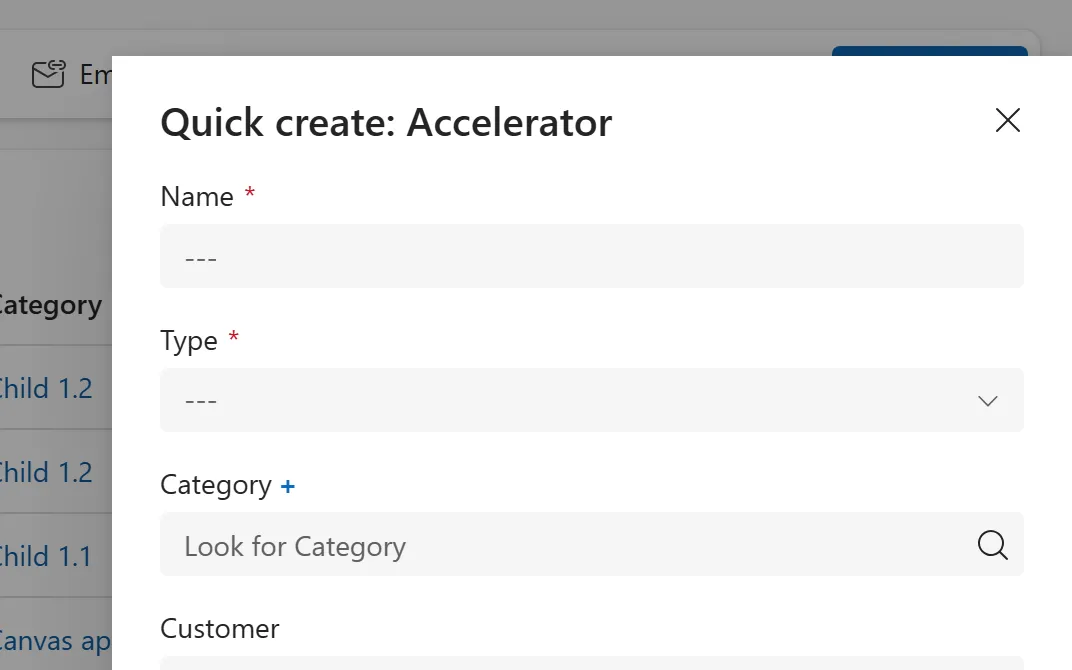
A short form in a side panel for creating a row fast, opened from the + button, a lookup's New option or a subgrid's New button.
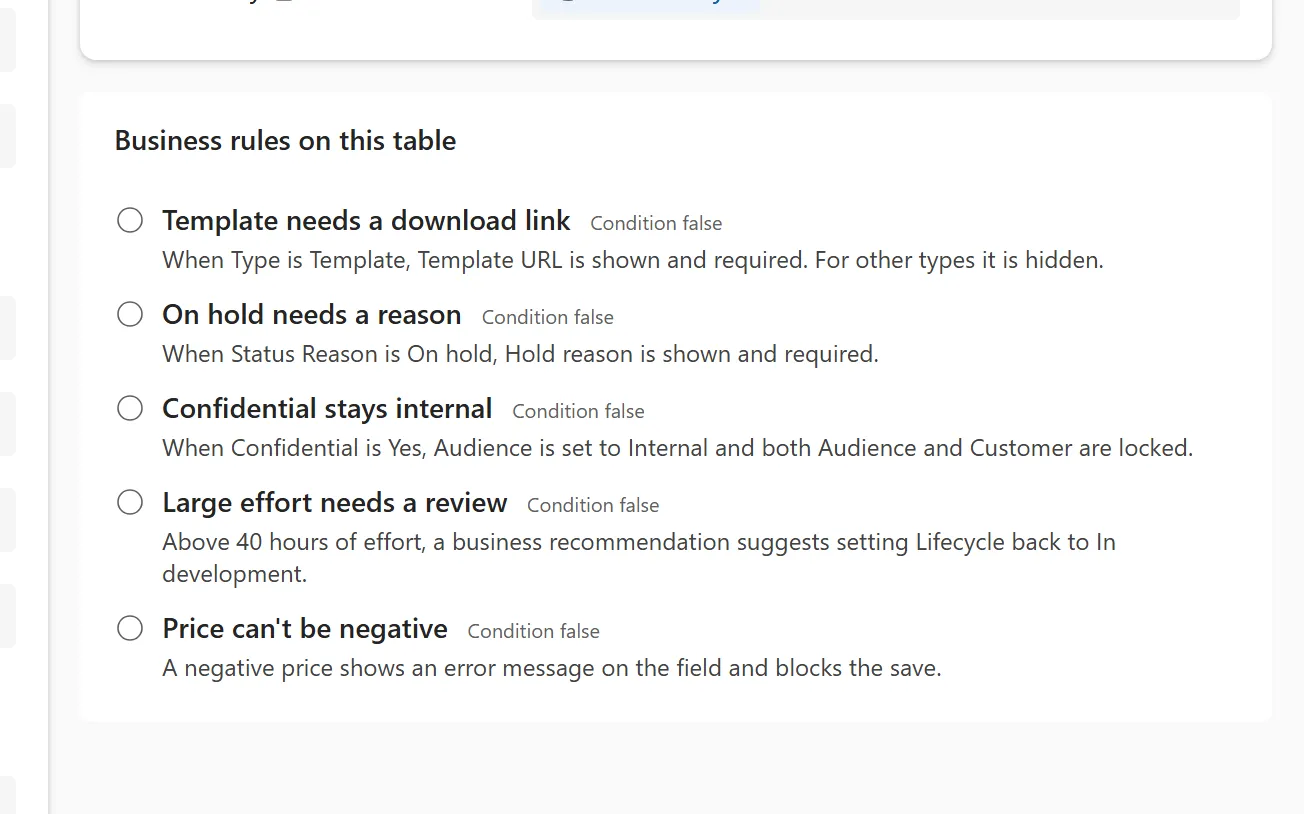
No-code logic that shows or hides columns, sets values, locks, requires and warns, based on conditions.
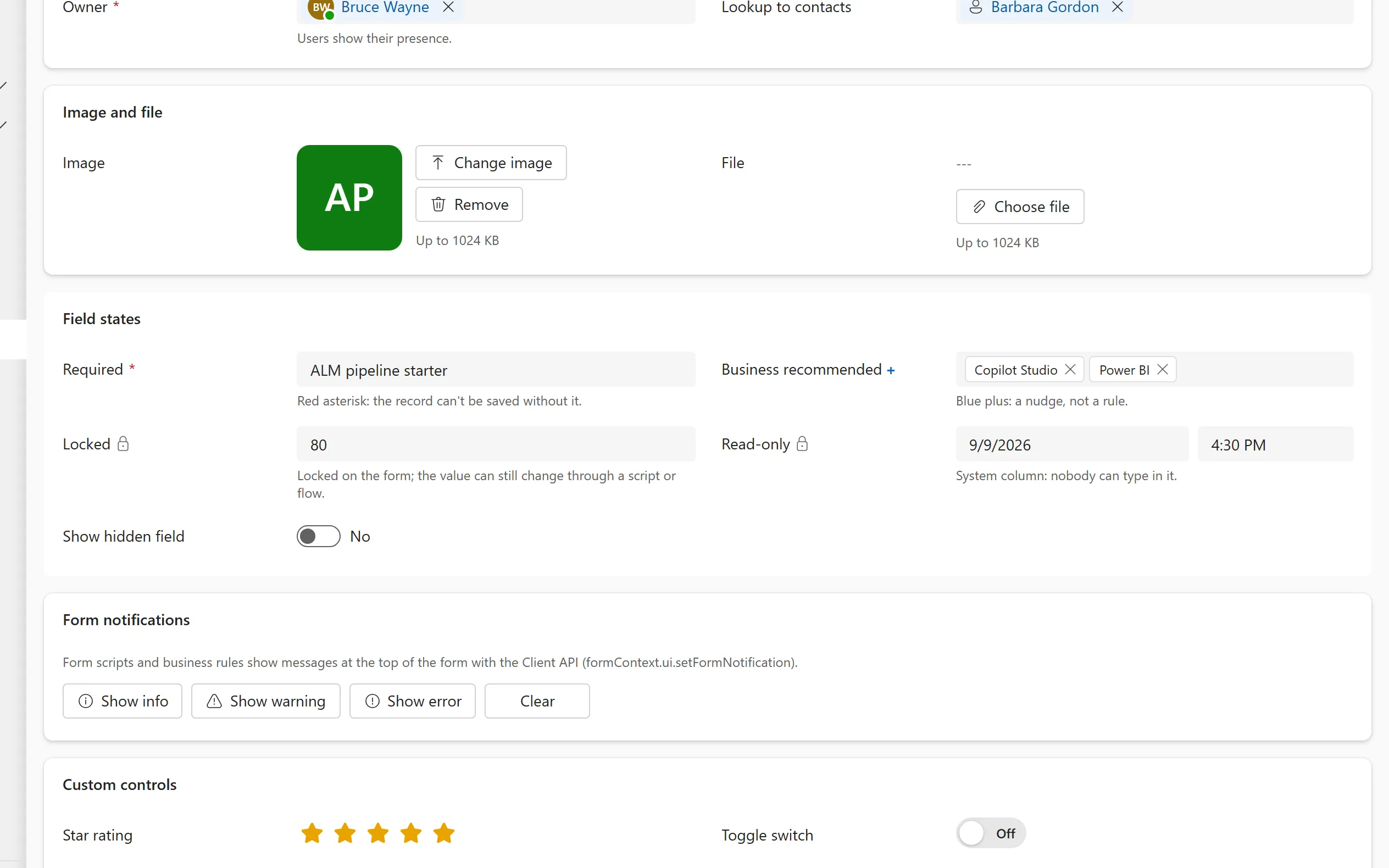
How a field shows that it is required, recommended, locked, read-only or hidden, so people know what they can and must fill in.
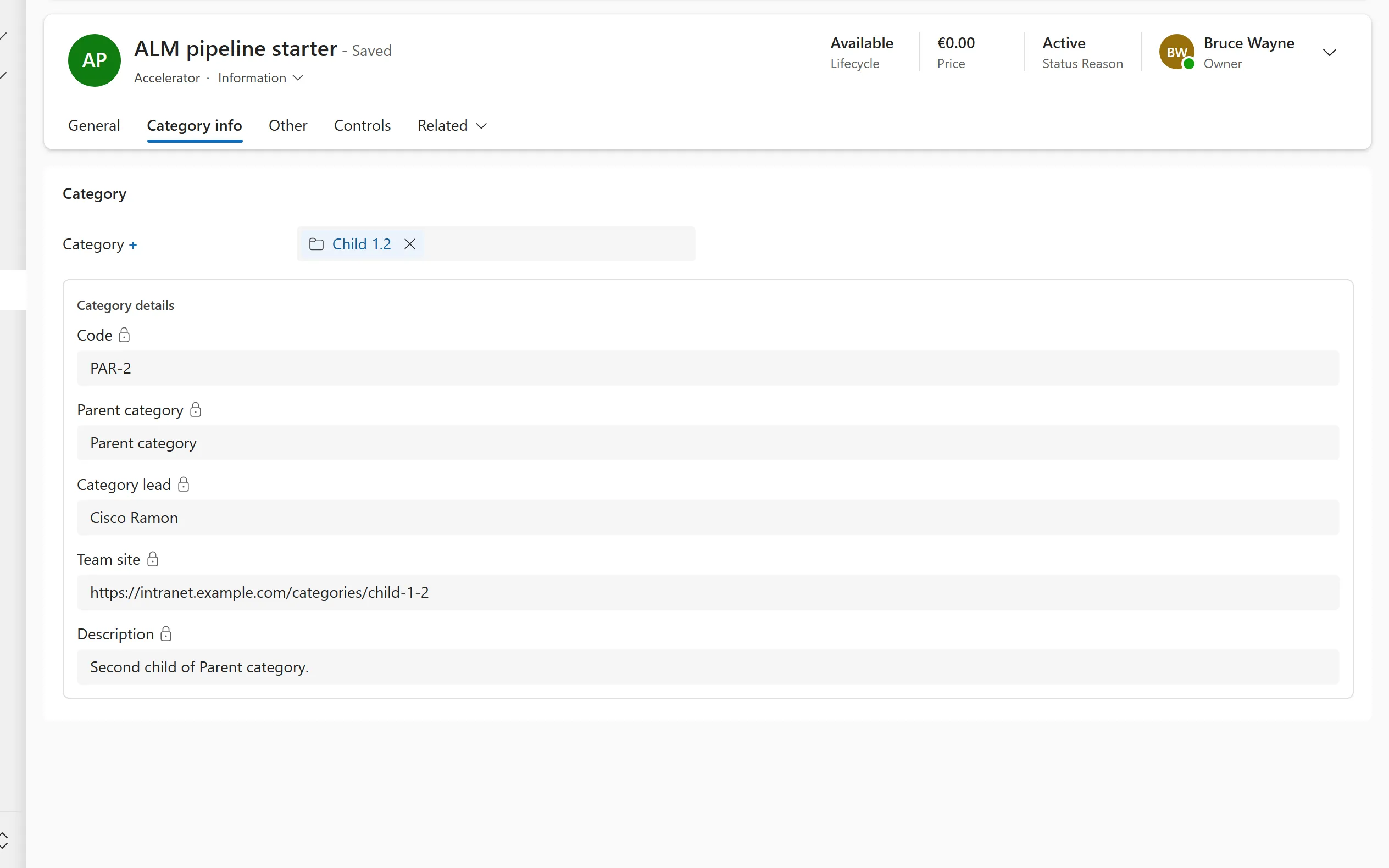
Read-only details of a related record, shown on the form you are working in and driven by a lookup column.
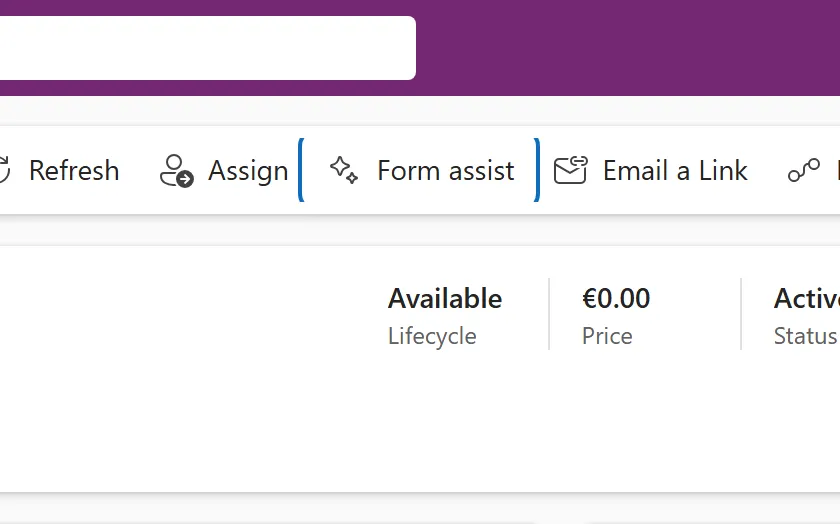
A Copilot side pane on the form that answers questions about the current row and helps fill in fields.
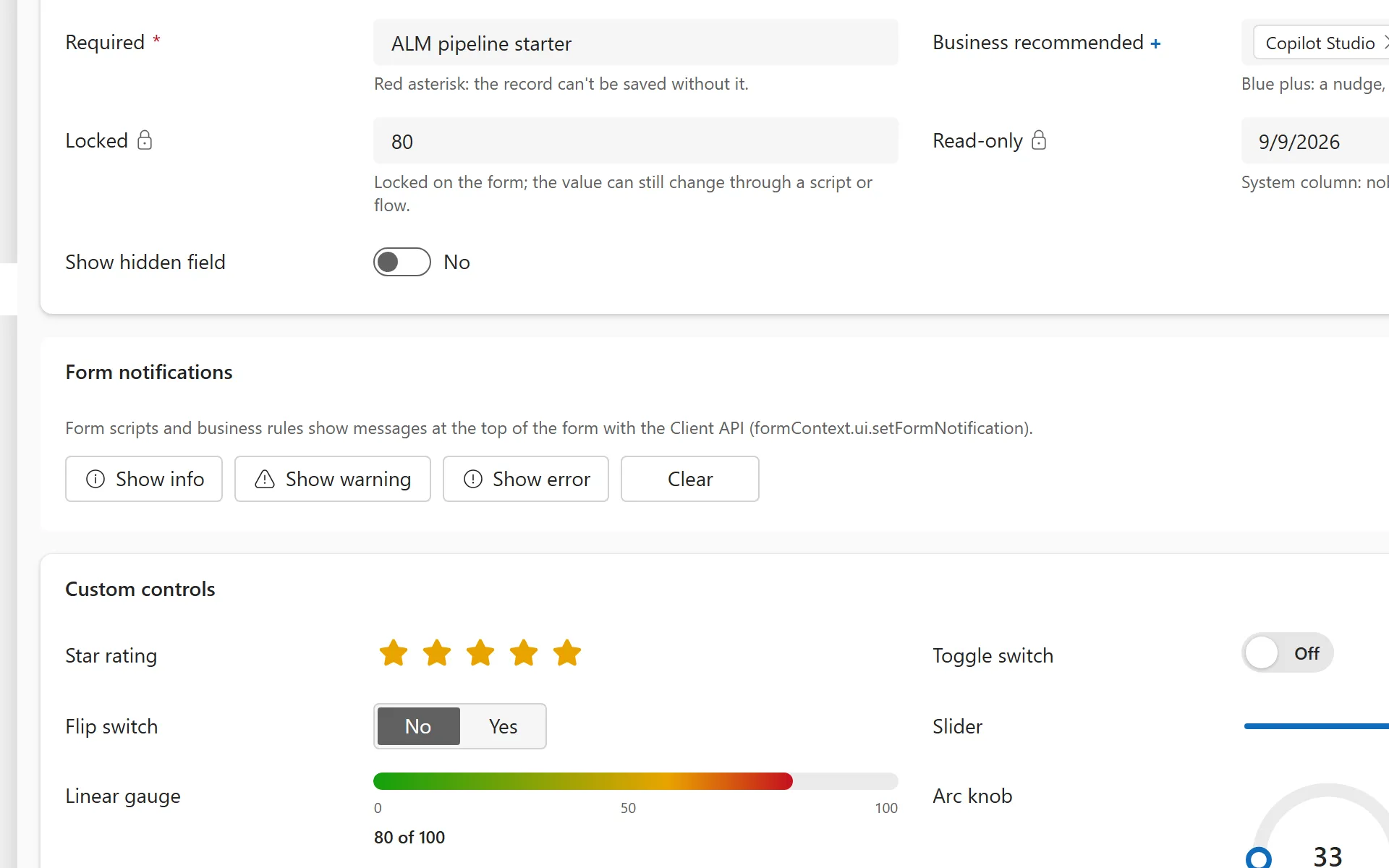
Banners at the top of a form for information, warnings and errors, raised from form scripts with the Client API.
A compact layout that shows each row as a card, used in subgrids and in narrow or mobile views.
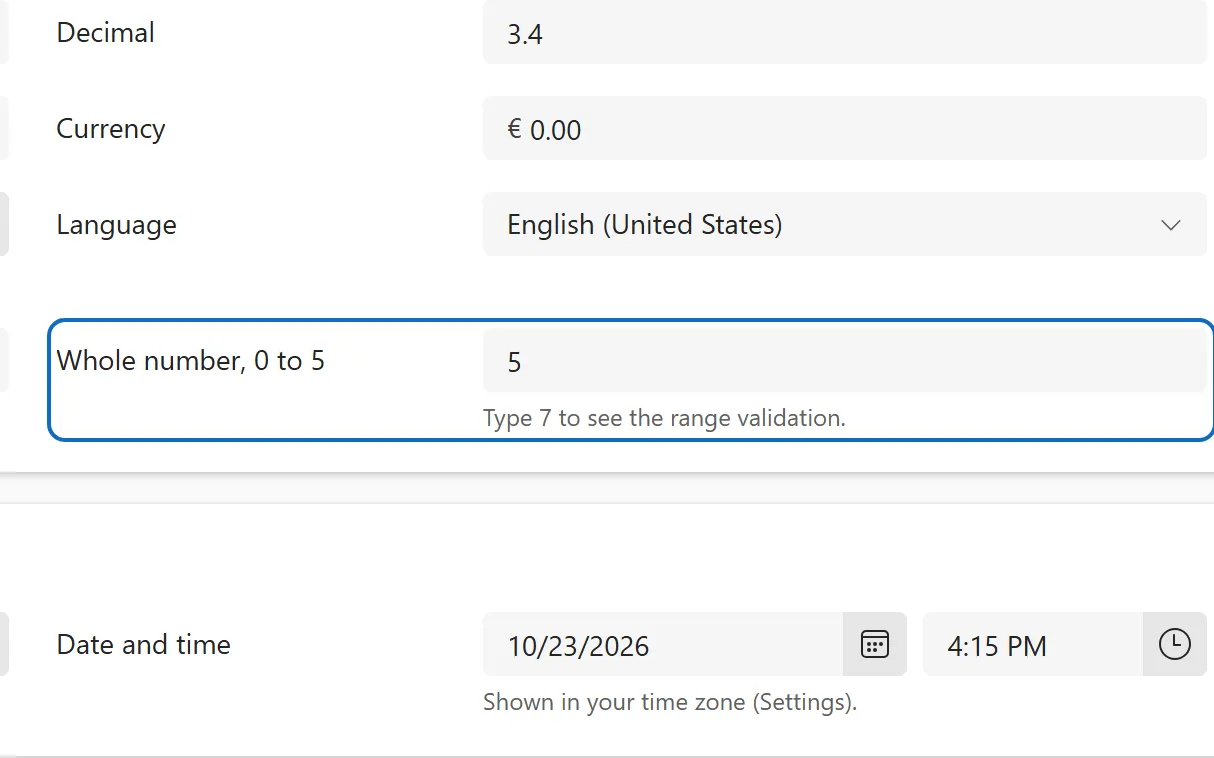
How a form checks a value against the column's range, length, format and required settings before it saves.
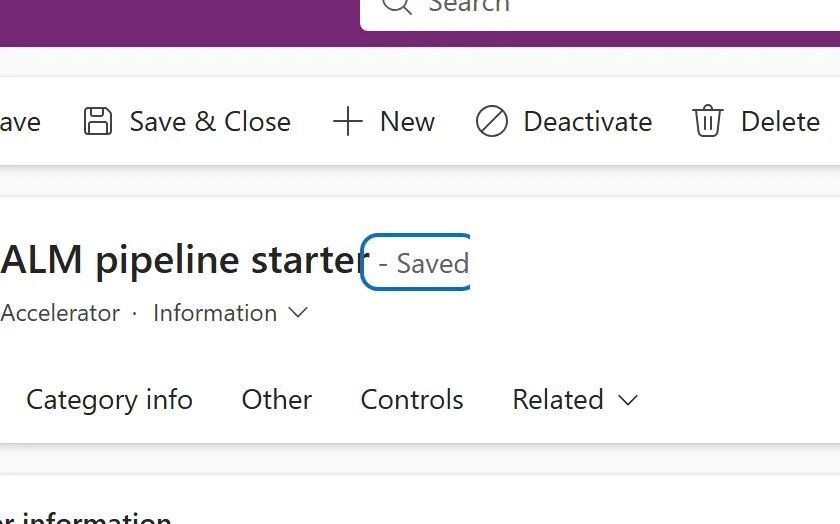
The Saved or Unsaved indicator on a form, with Ctrl+S, the leave-without-saving prompt and autosave.
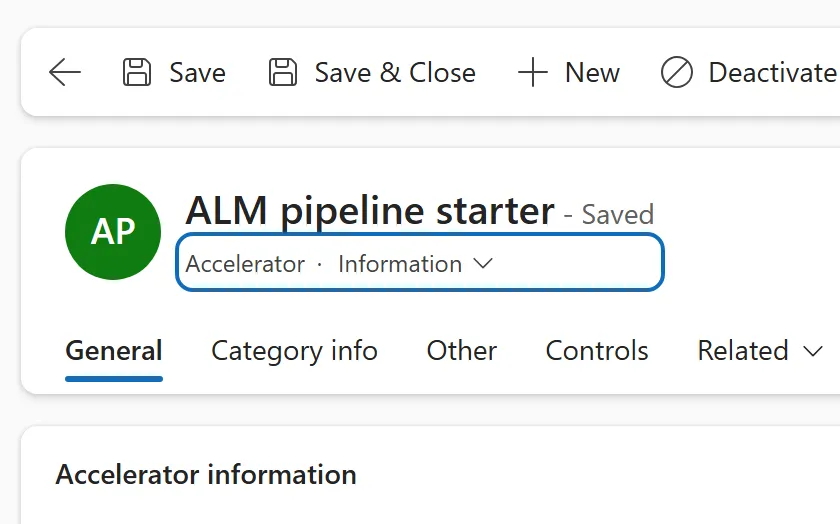
A drop-down under the record name that switches between the main forms available for the table.
Up and down arrows and an n of N counter on a form opened from a list, to move between rows without going back.
Views and grids 11
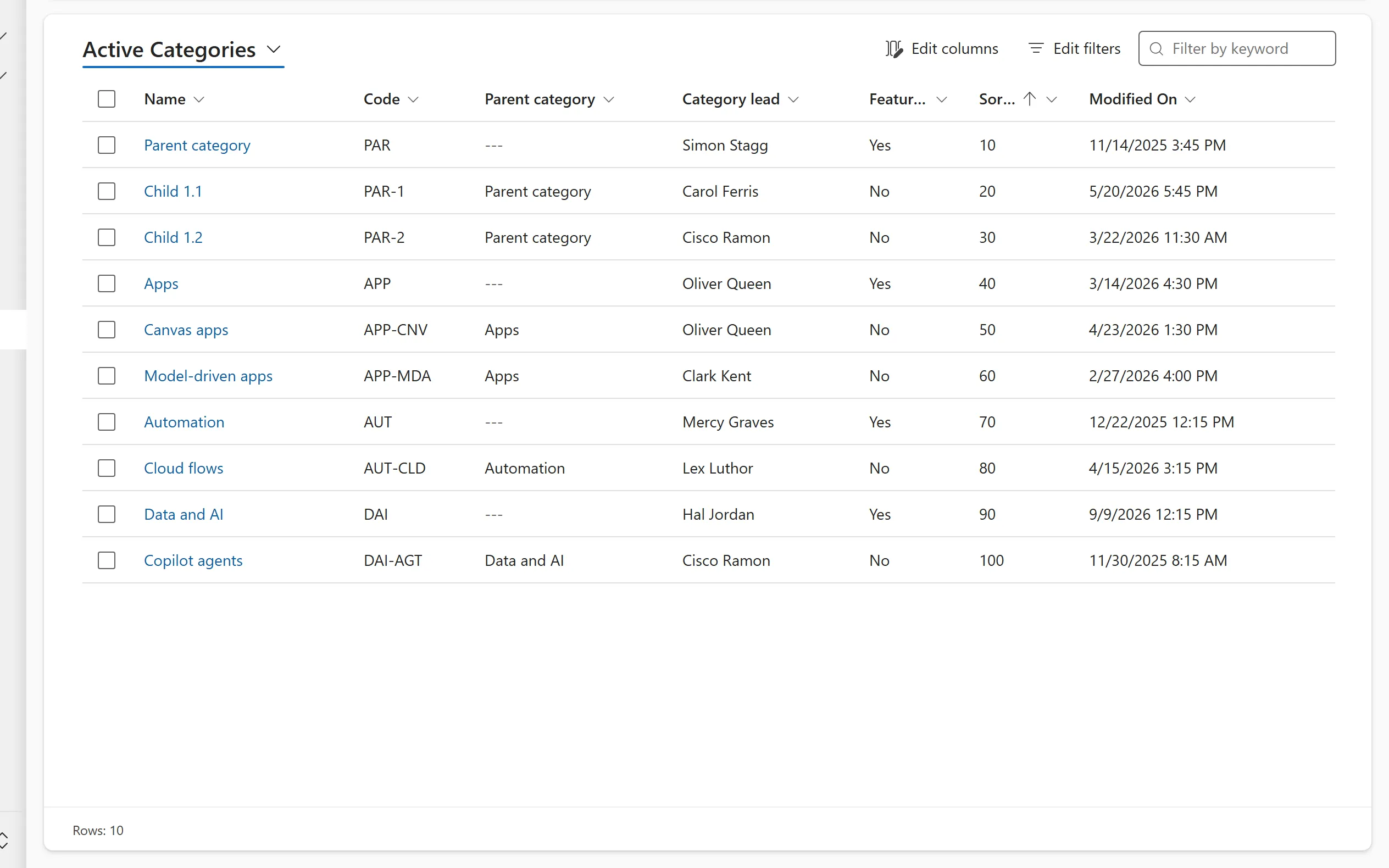
Lists of records: the grid, its filters and columns, and the view controls that replace it.
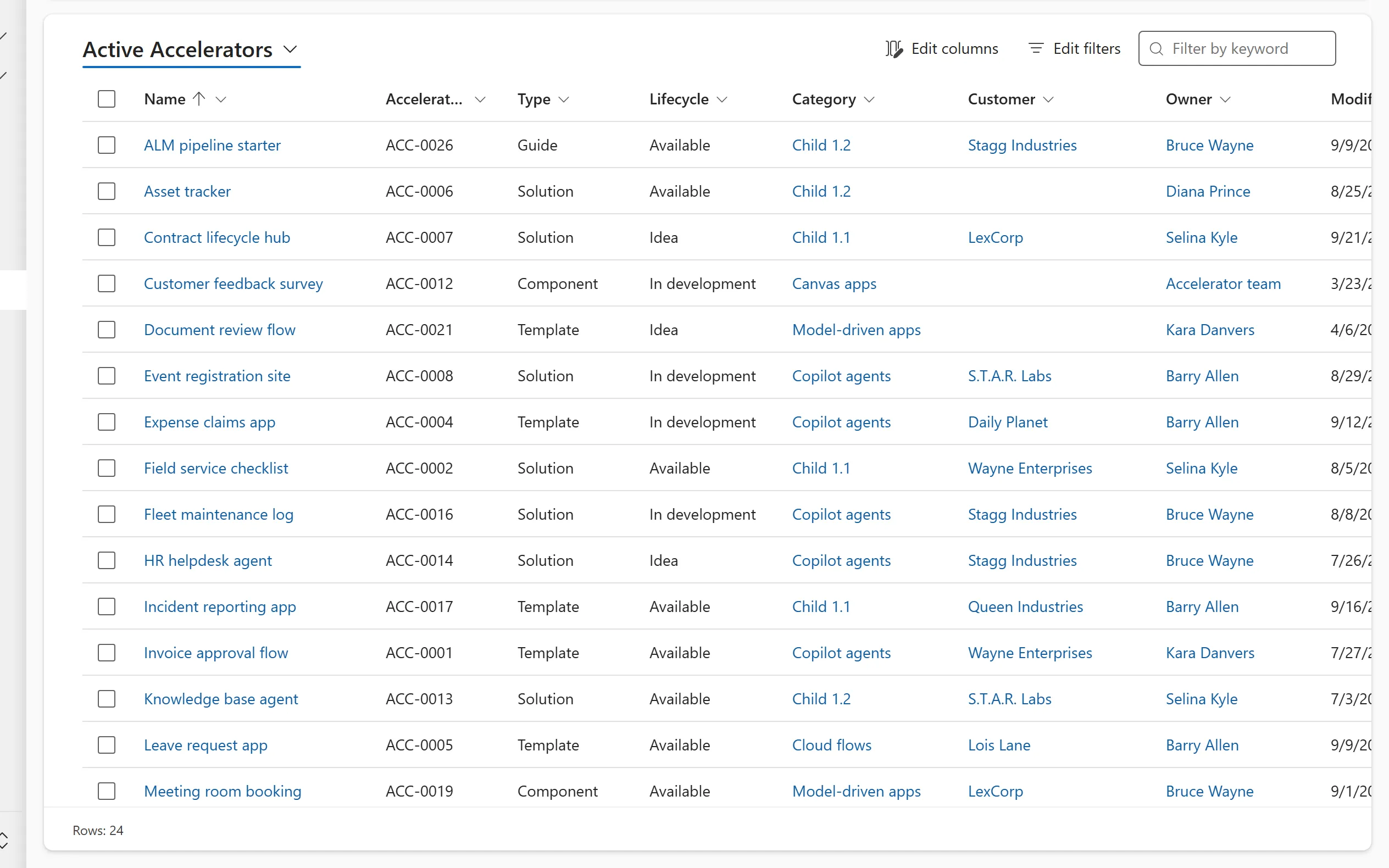
The default list of rows for a table: sort, resize and select rows, run bulk commands from the command bar and page through the results.
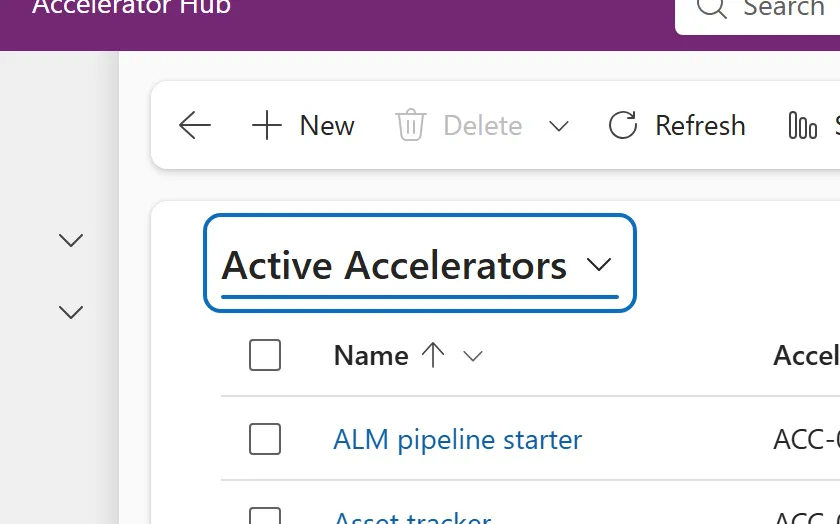
The drop-down above a grid that switches between system views and your personal views, and lets you save, manage and share views.
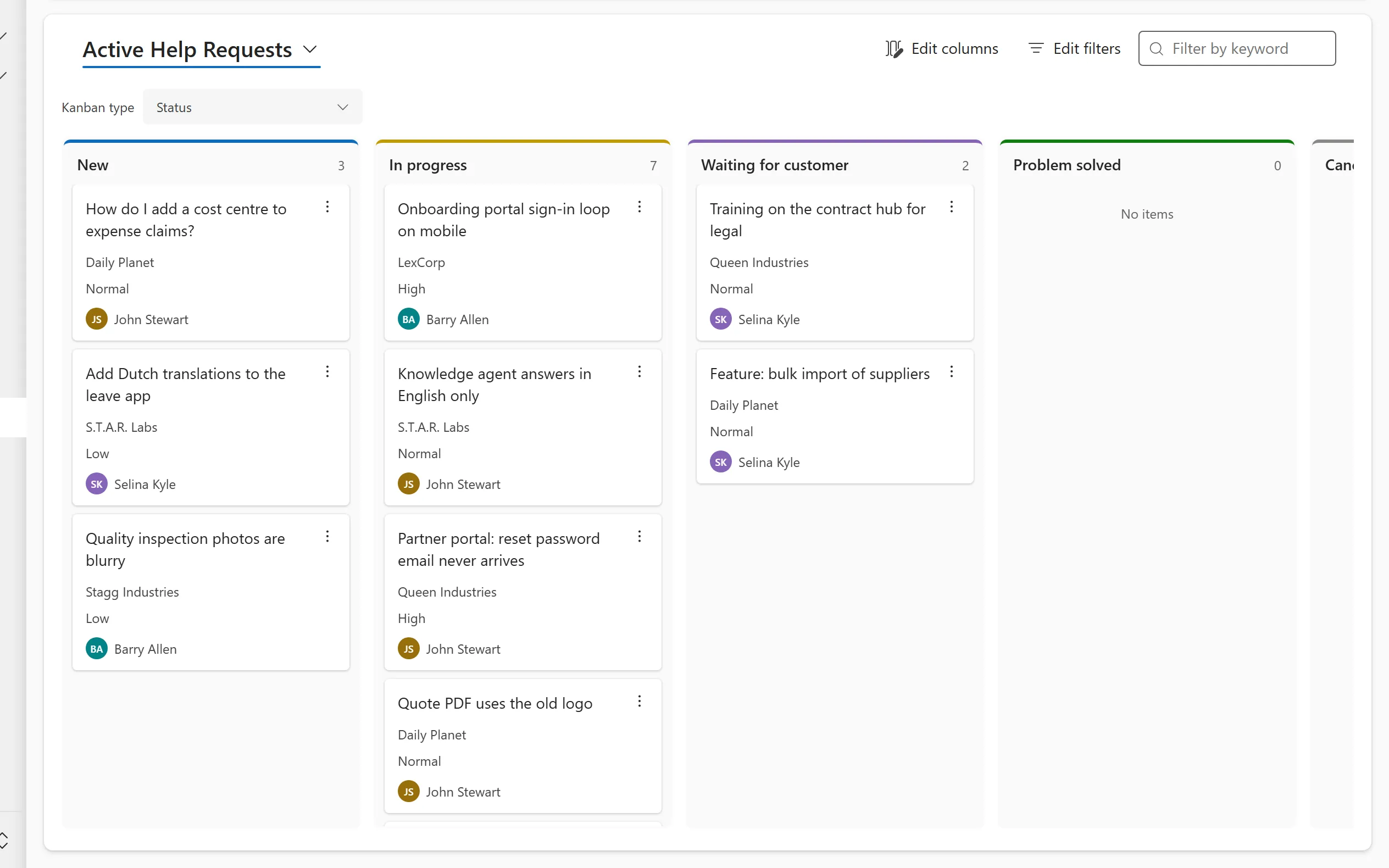
A board of cards in lanes that you open with Show As > Kanban, where dragging a card changes its status or stage.
A grid where you click a cell to edit it in place, with changed cells marked and Save and Discard buttons at the bottom of the grid.
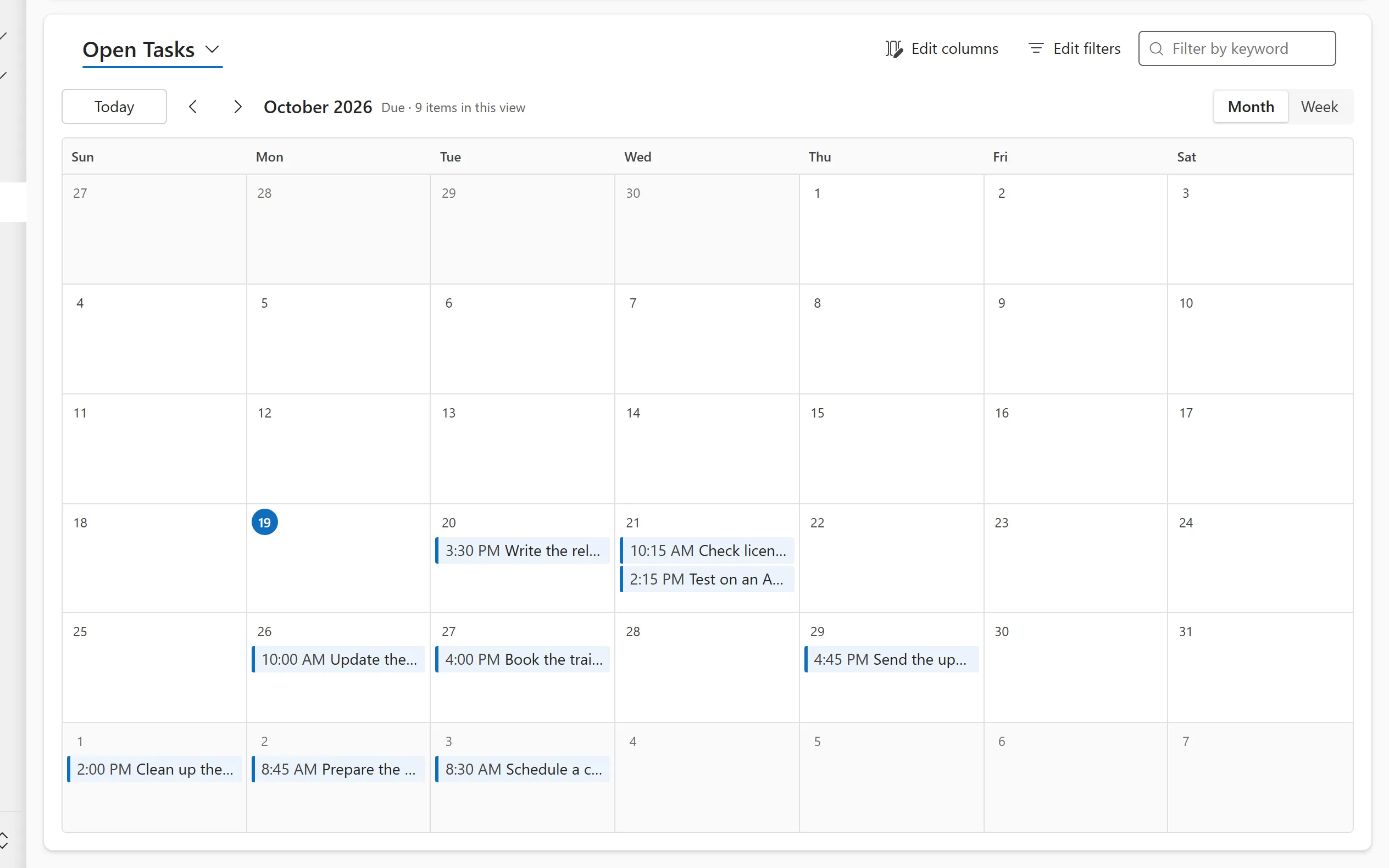
A month or week calendar for the rows of a view, opened with Show As > Calendar and driven by a date column.
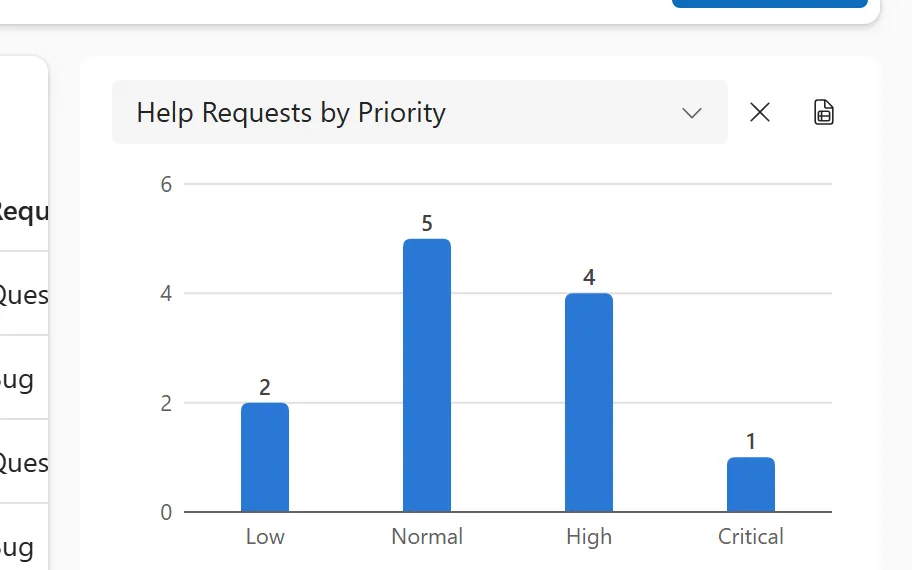
A chart shown beside a view with Show Chart, built on the same rows as the grid, where selecting a part filters the list.
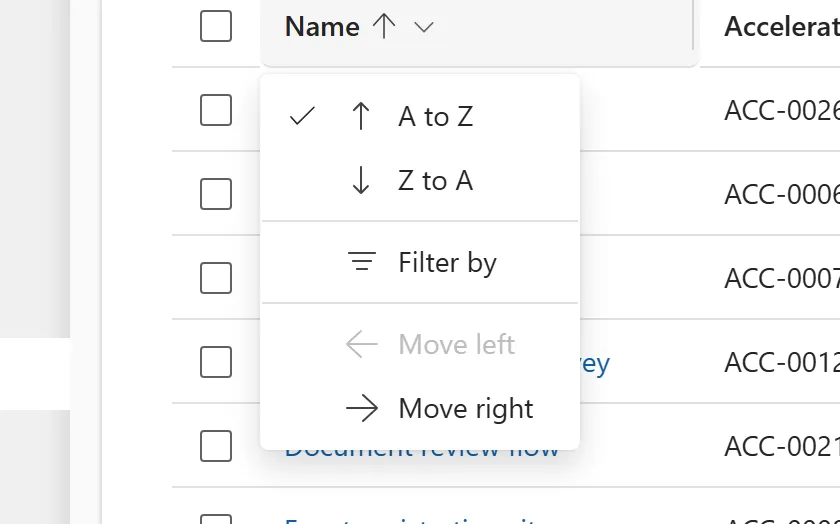
The menu on each column header of a grid: sort A to Z or Z to A, filter by, group by, change the column width and move the column.
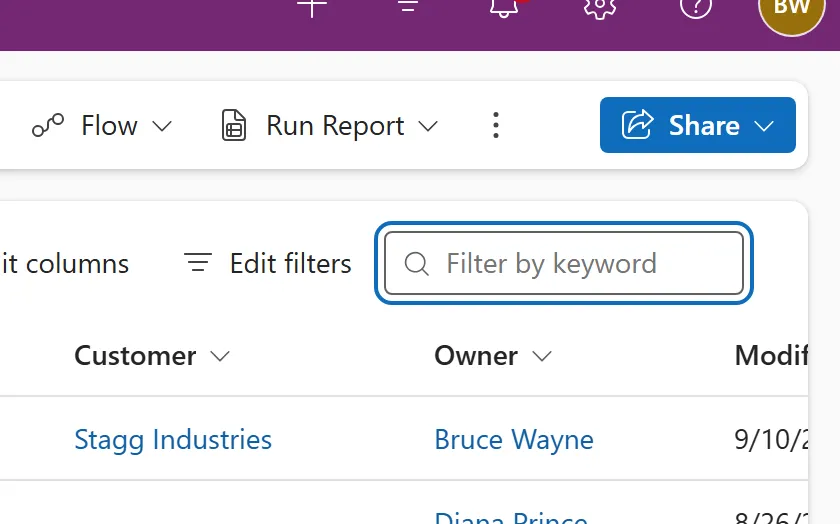
The Filter by keyword box above a grid, which searches the columns defined in the table's Quick Find view and narrows the rows shown.
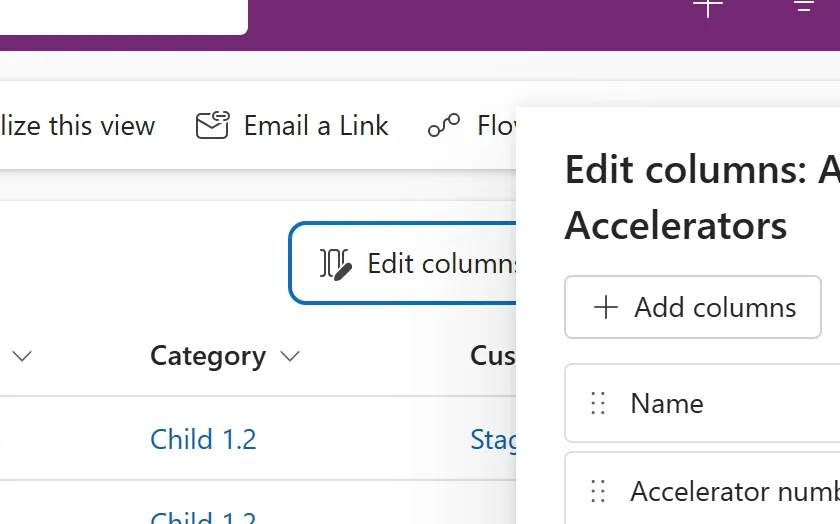
A pane on the grid page where you add, remove, reorder and reset the columns of the view, including columns from related tables.
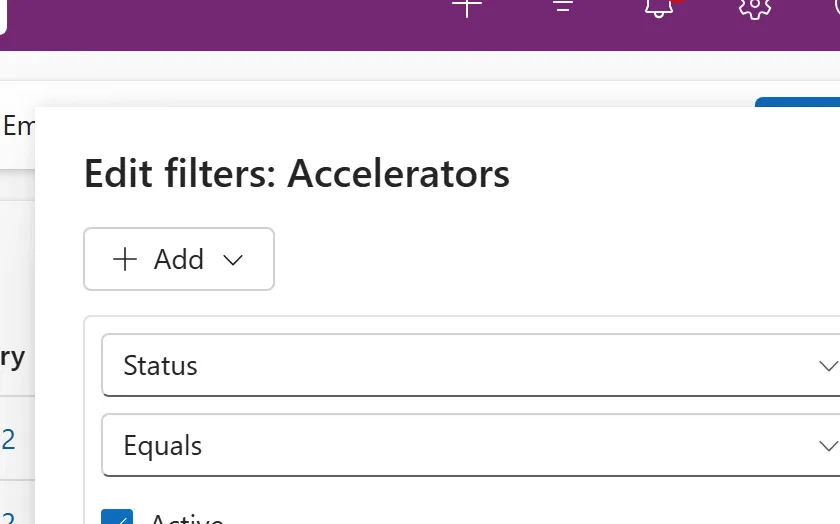
A pane on the grid page with an expression builder for filtering the view on several columns, groups and related tables.
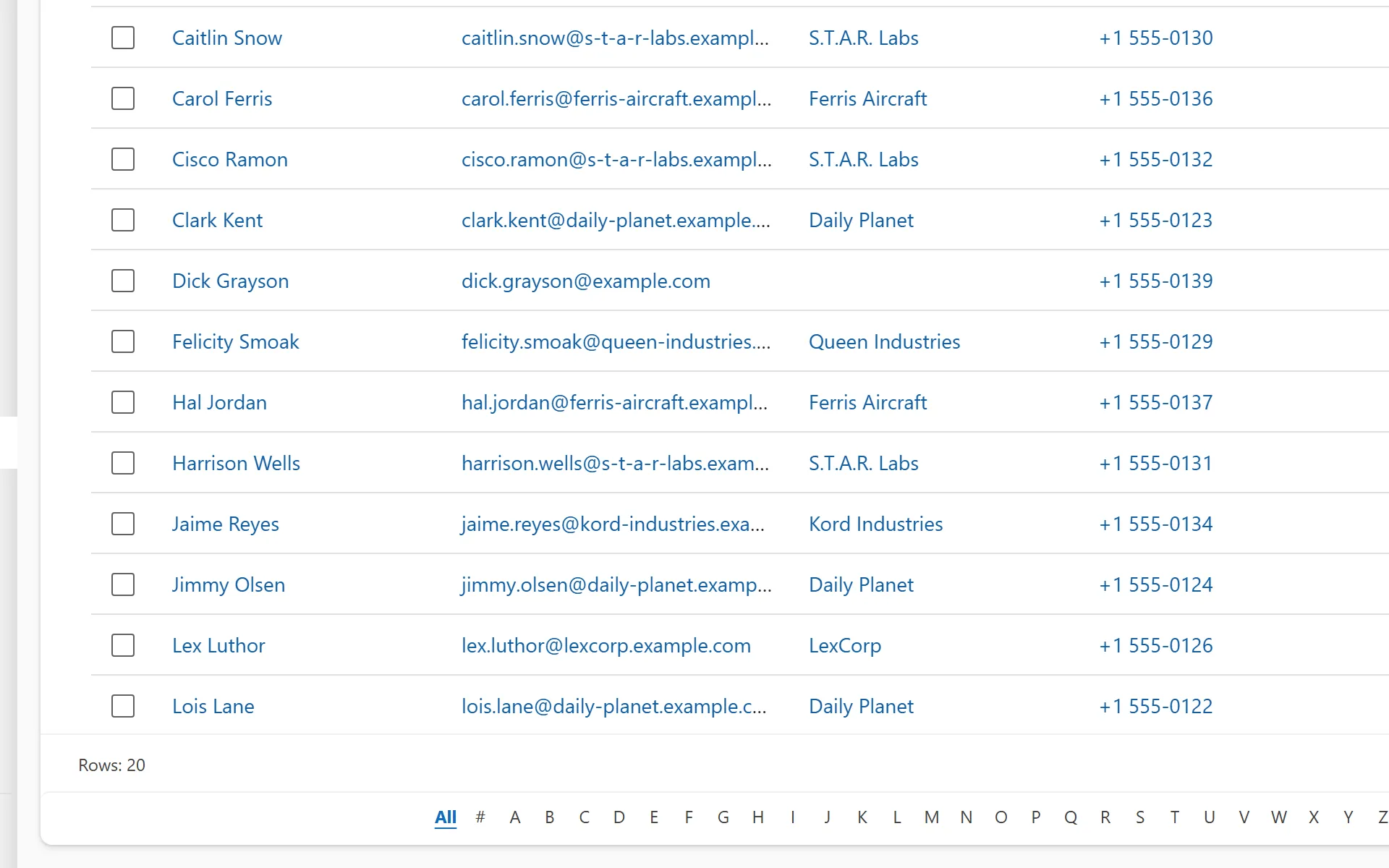
A row of letters A to Z under a grid that filters the rows to names starting with the letter you select.
Field controls 26
One control per column type, plus the custom controls you can put on a column.
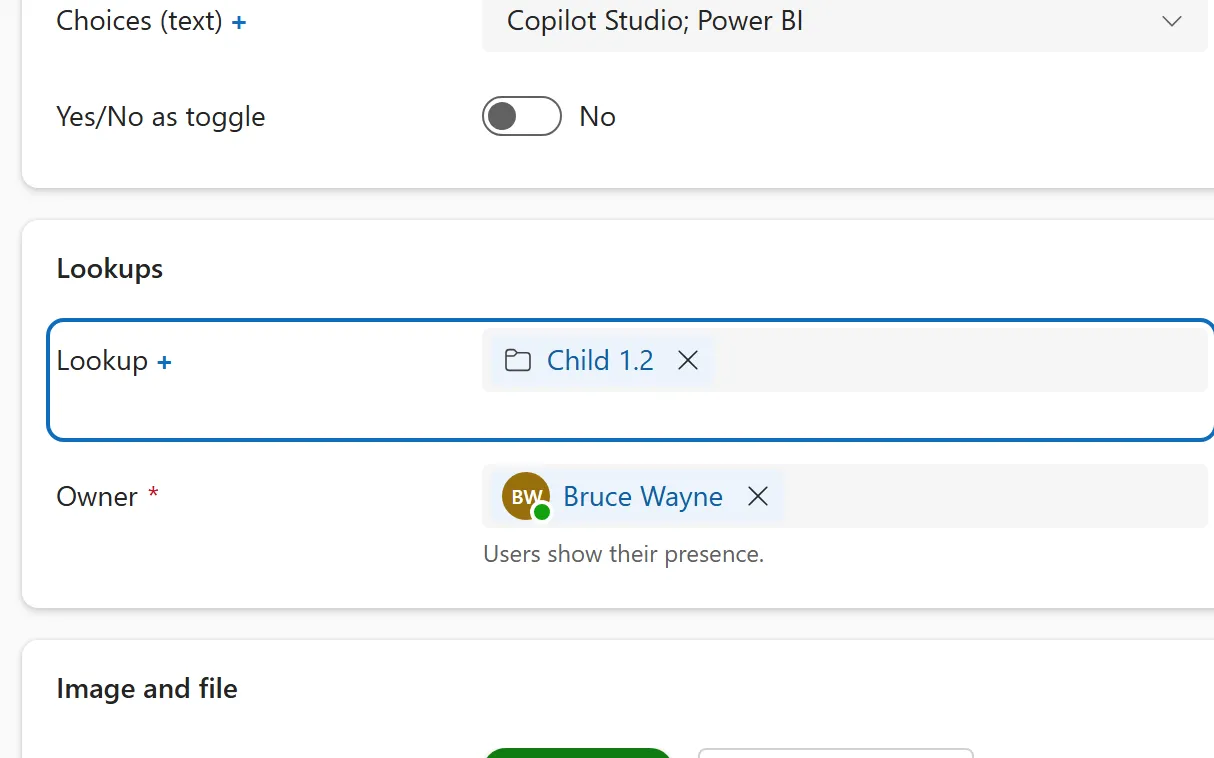
A reference to one row in another table, with a search flyout that lists recent rows and opens the full row from the pill.
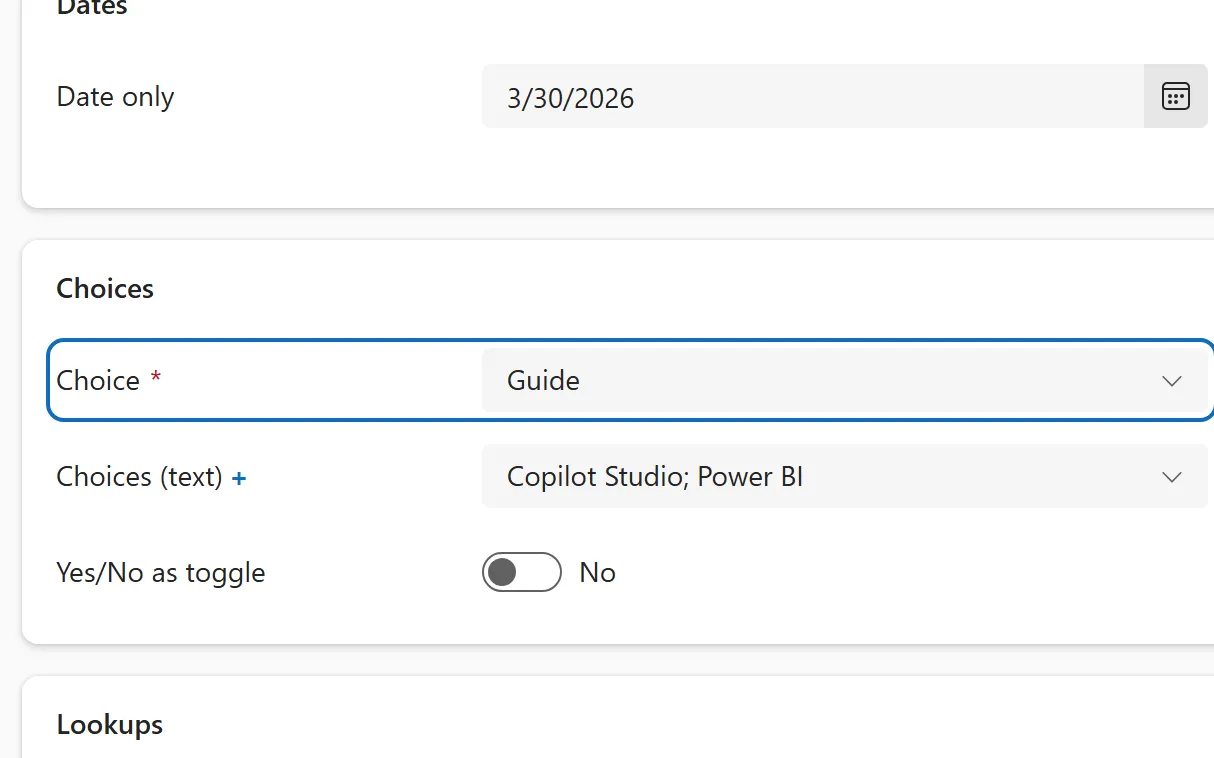
A column with a fixed list of options, shown as a drop-down, with optional colours used in charts.
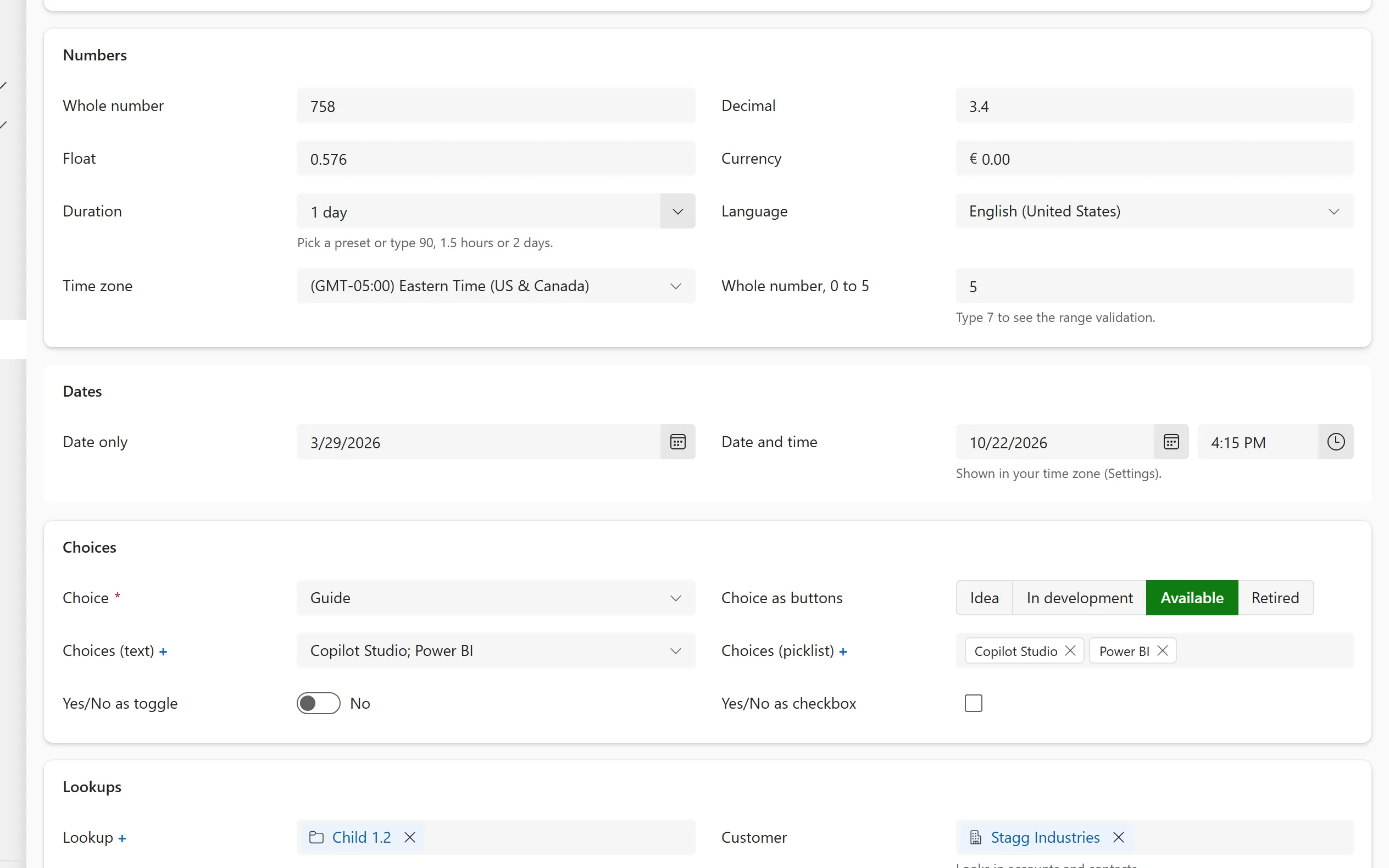
Date only and date and time columns with a calendar, a time list and a behaviour setting for time zones.
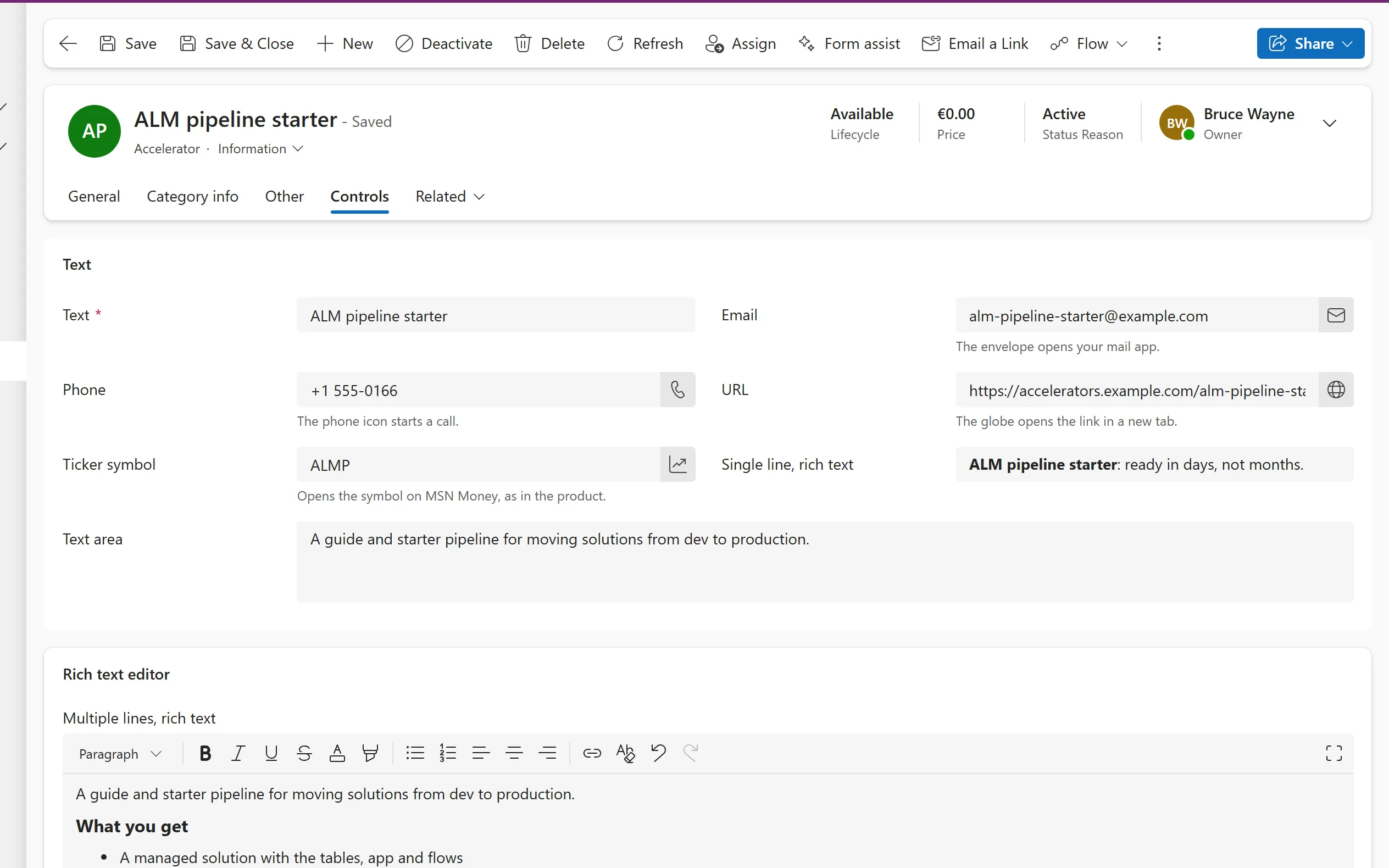
A one-line text column with formats for plain text, email, phone, URL and ticker symbol, each with its own action.
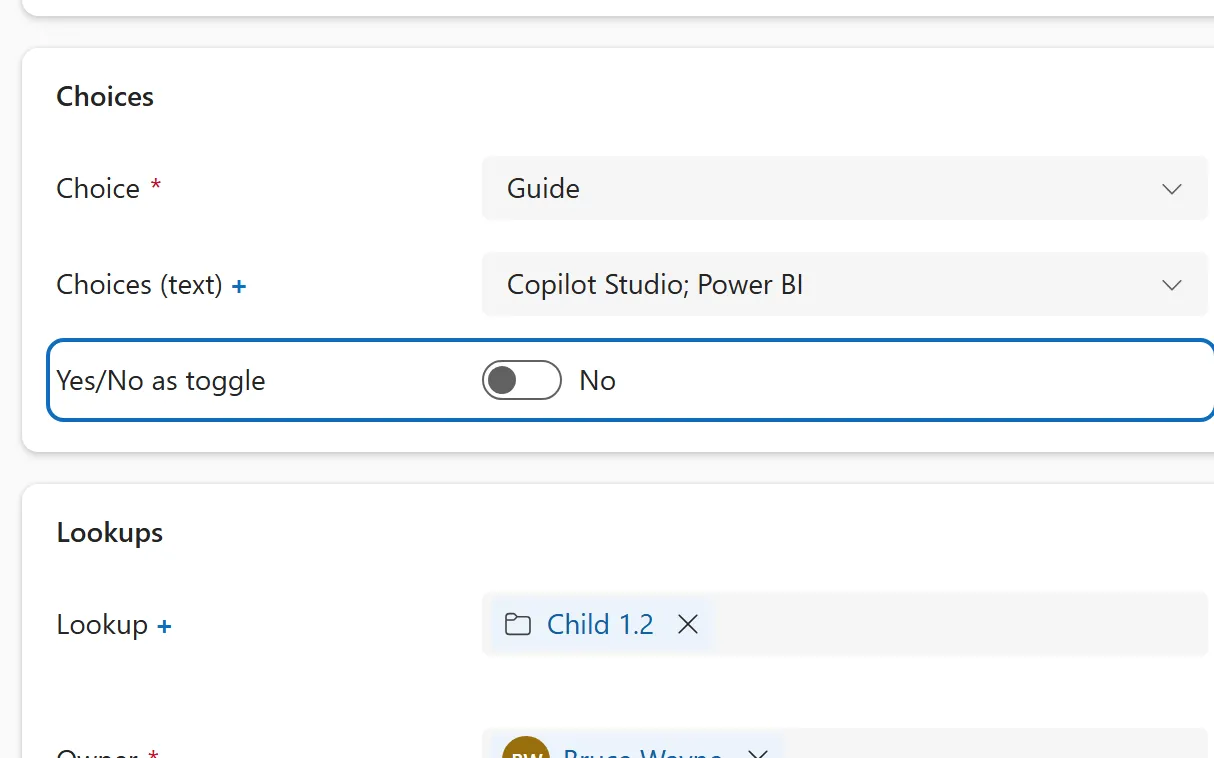
A two-option column that can be shown as a toggle, a checkbox or a dropdown, with your own labels for each option.
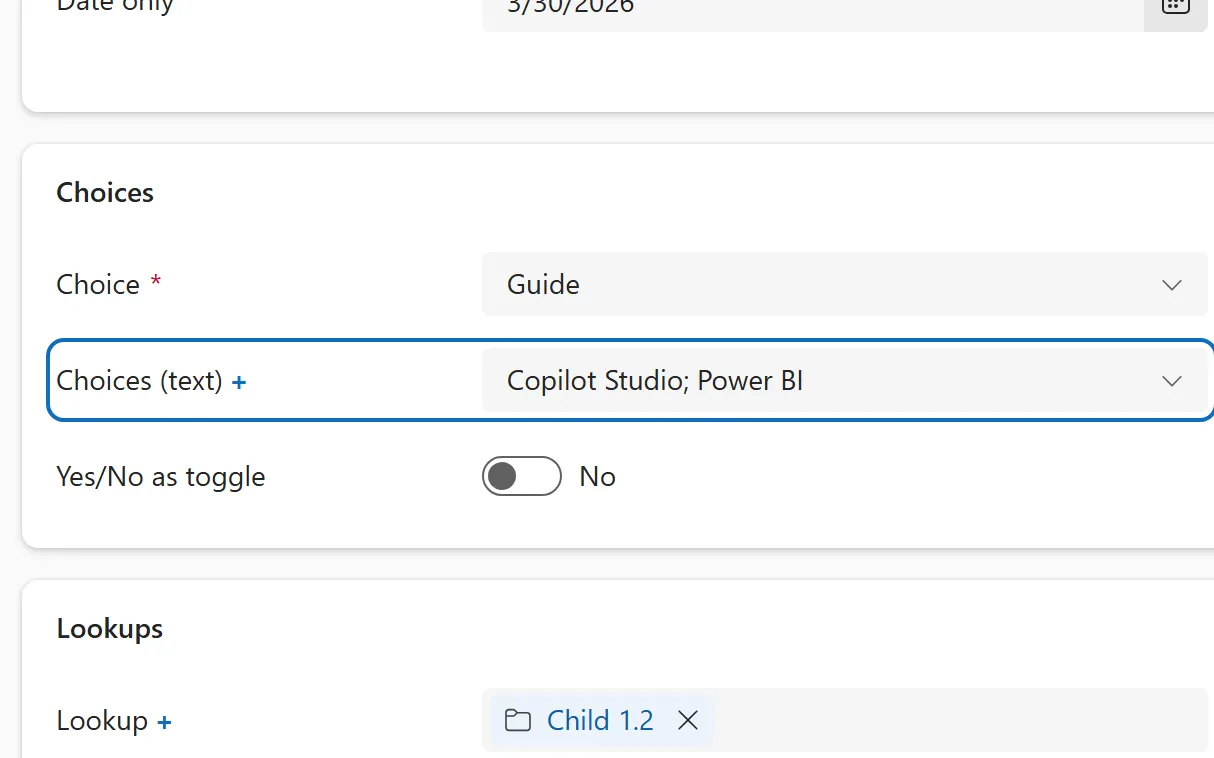
A column that holds several options at once, shown as pills with a checkbox flyout, and as semicolon-separated text in grids.
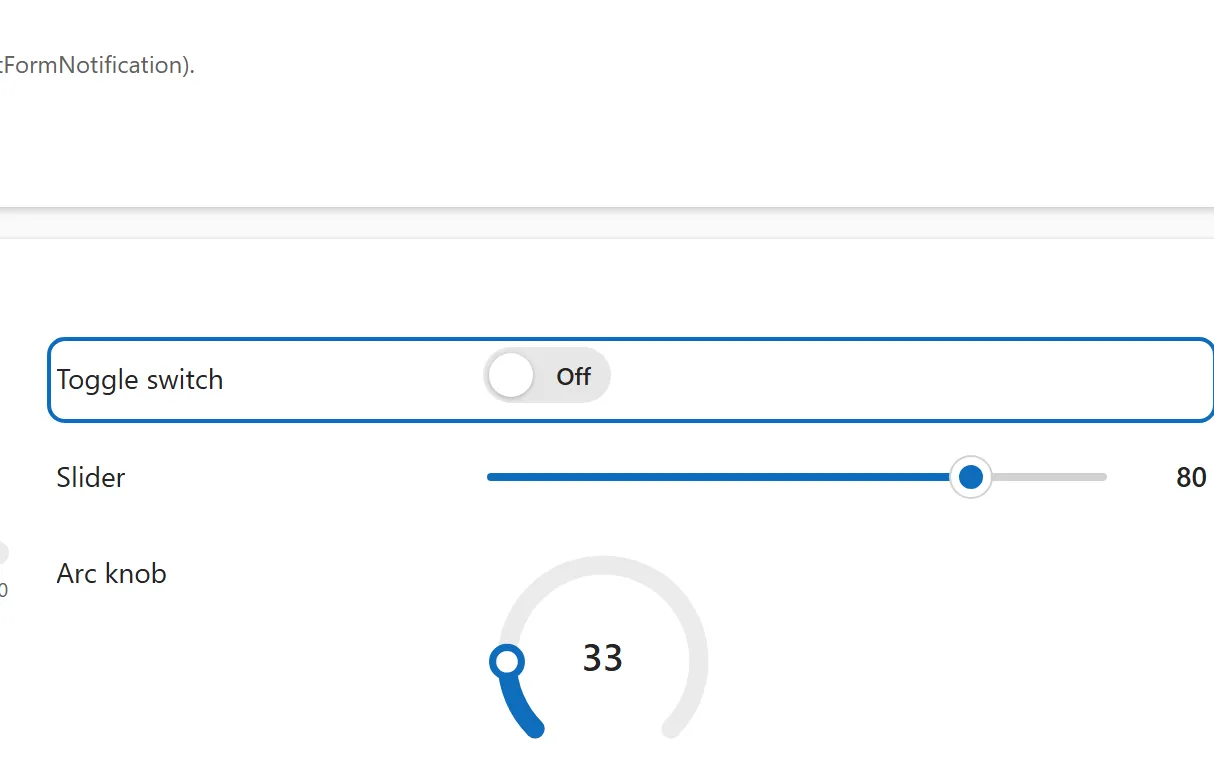
A Yes/No column shown as a switch that slides on and off, with the labels of the two options.
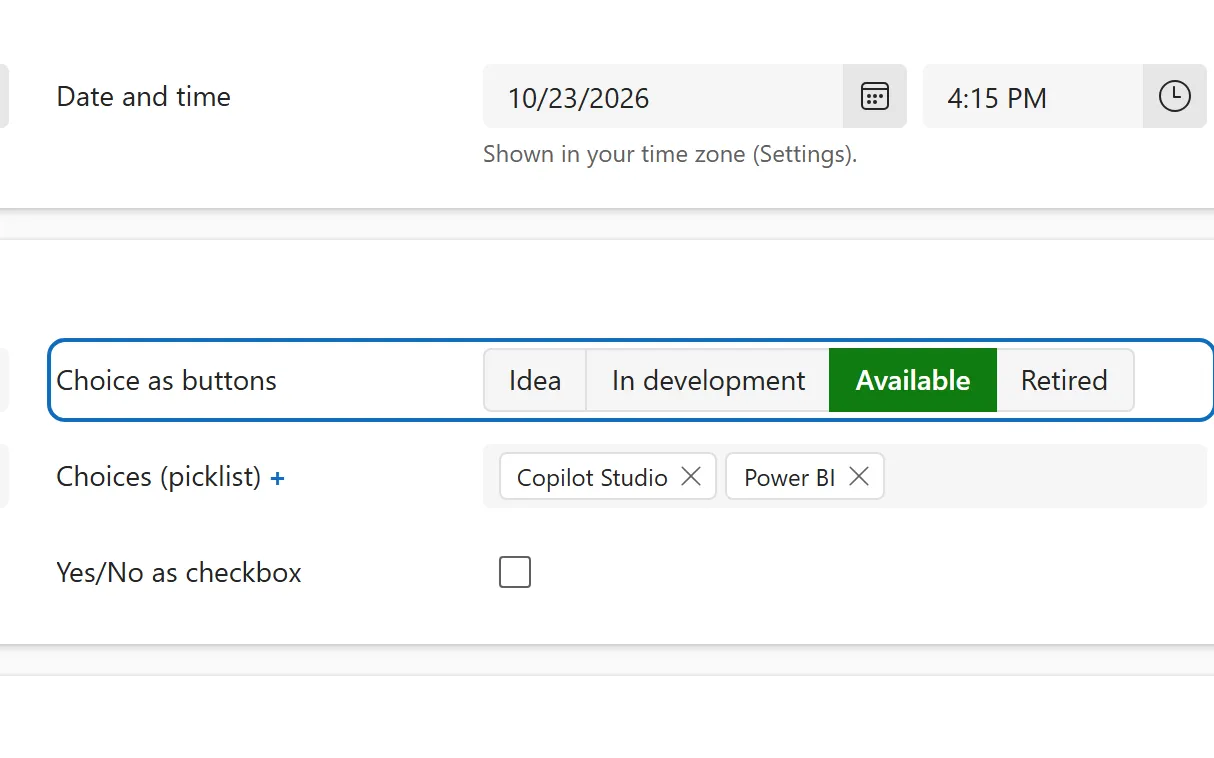
A choice column shown as a row of buttons instead of a dropdown, so every option is visible and one click picks it.
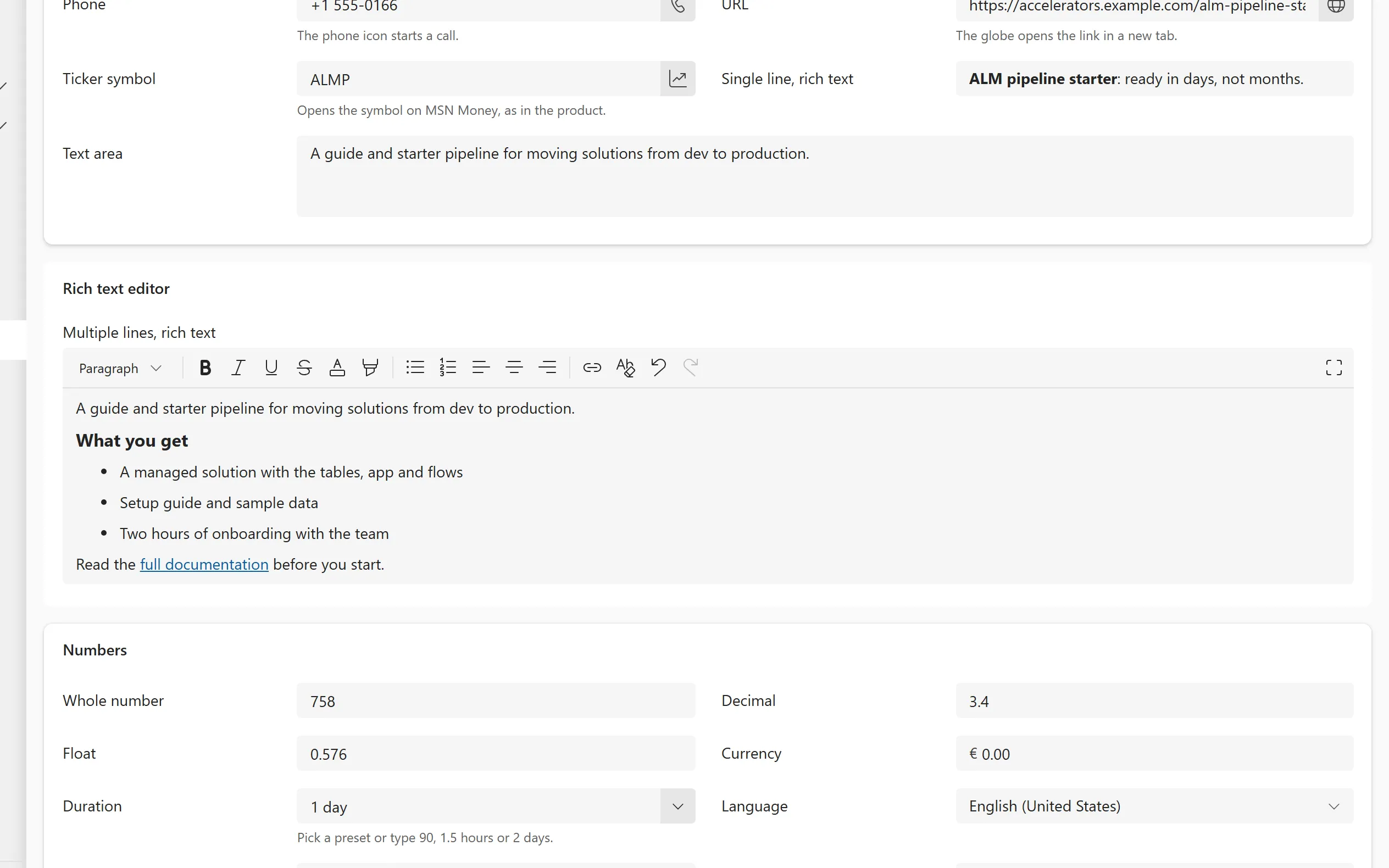
Formatted text in a column, with a toolbar for bold, lists, links, tables and images, stored as HTML.
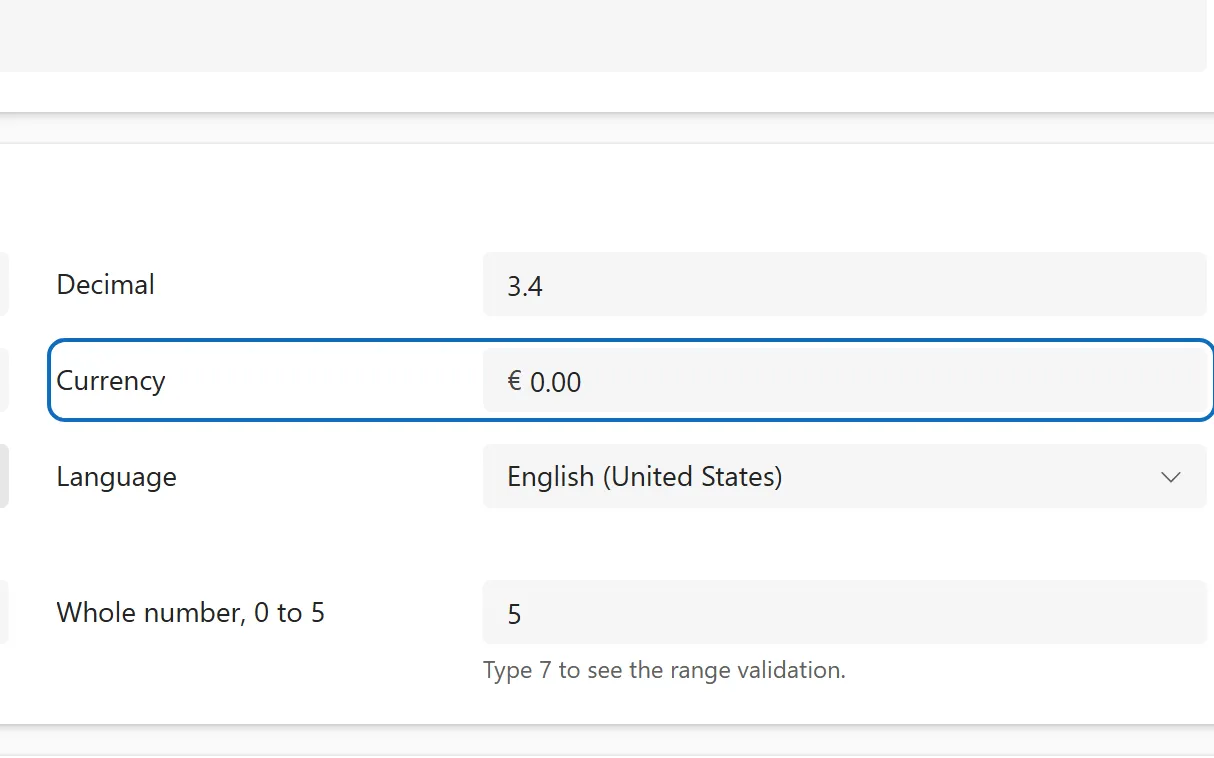
A money column that shows the record's currency symbol and keeps an exchange rate and a base currency value.
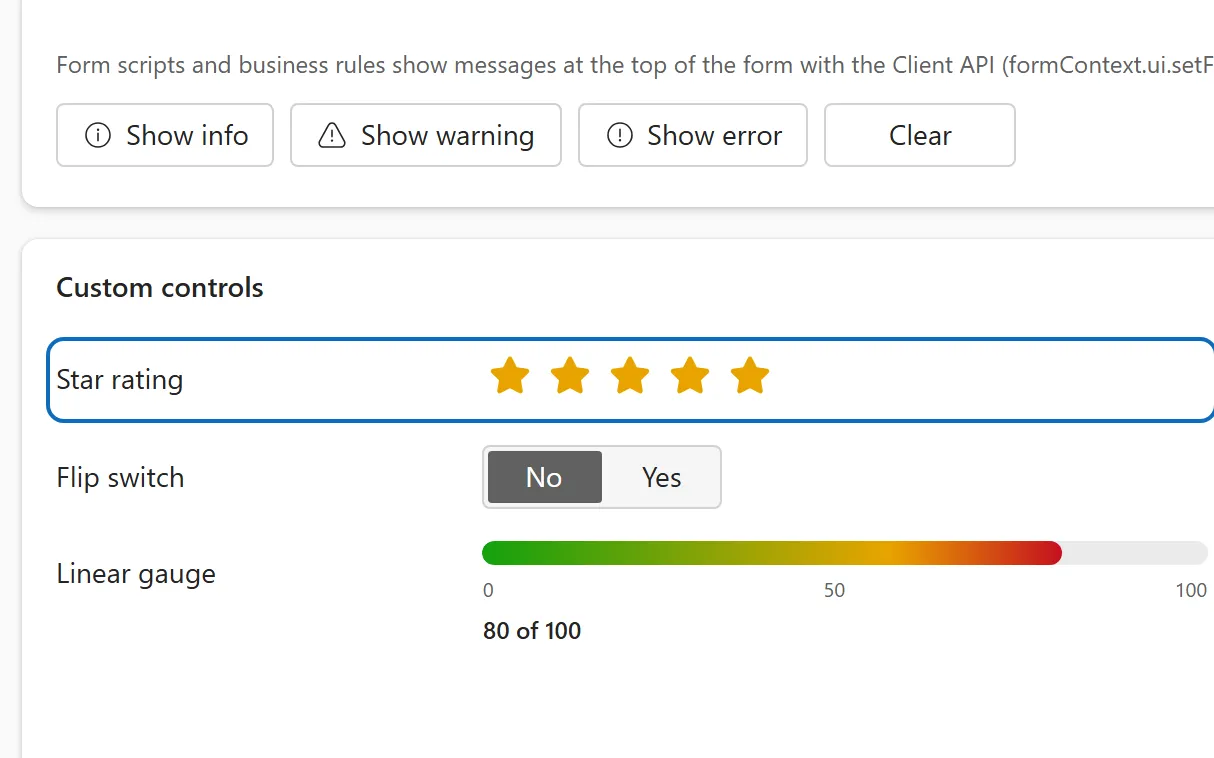
A whole number column shown as clickable stars, so people give a score without typing.
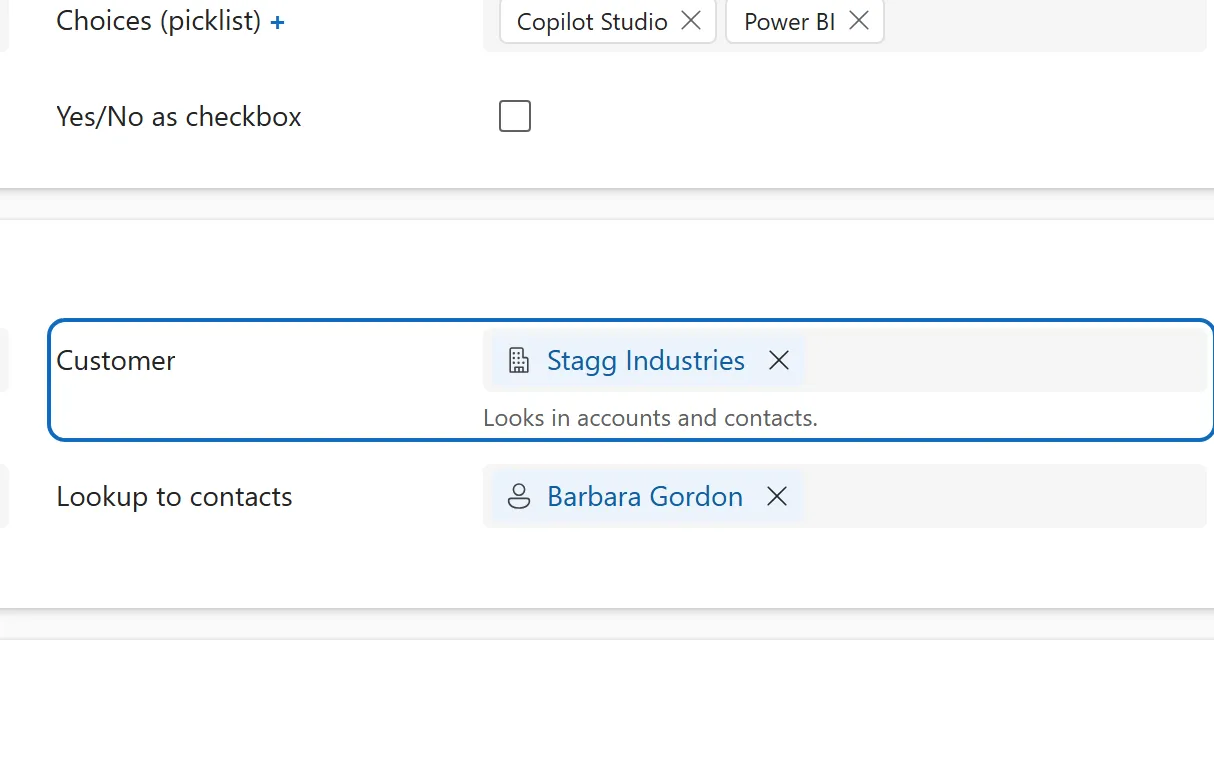
A lookup that can point to an account or a contact, with results grouped by table in the flyout.
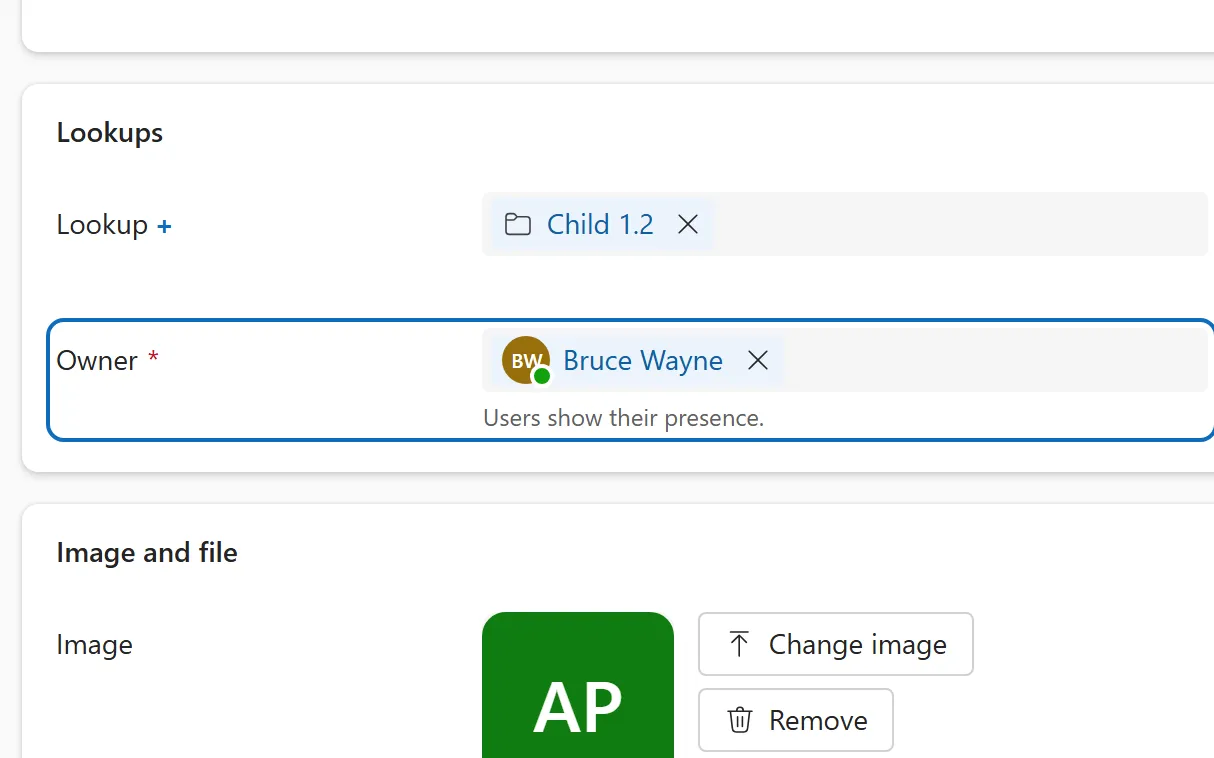
The owner of a row, chosen from users and teams, shown with an avatar and presence on the form and in its header.
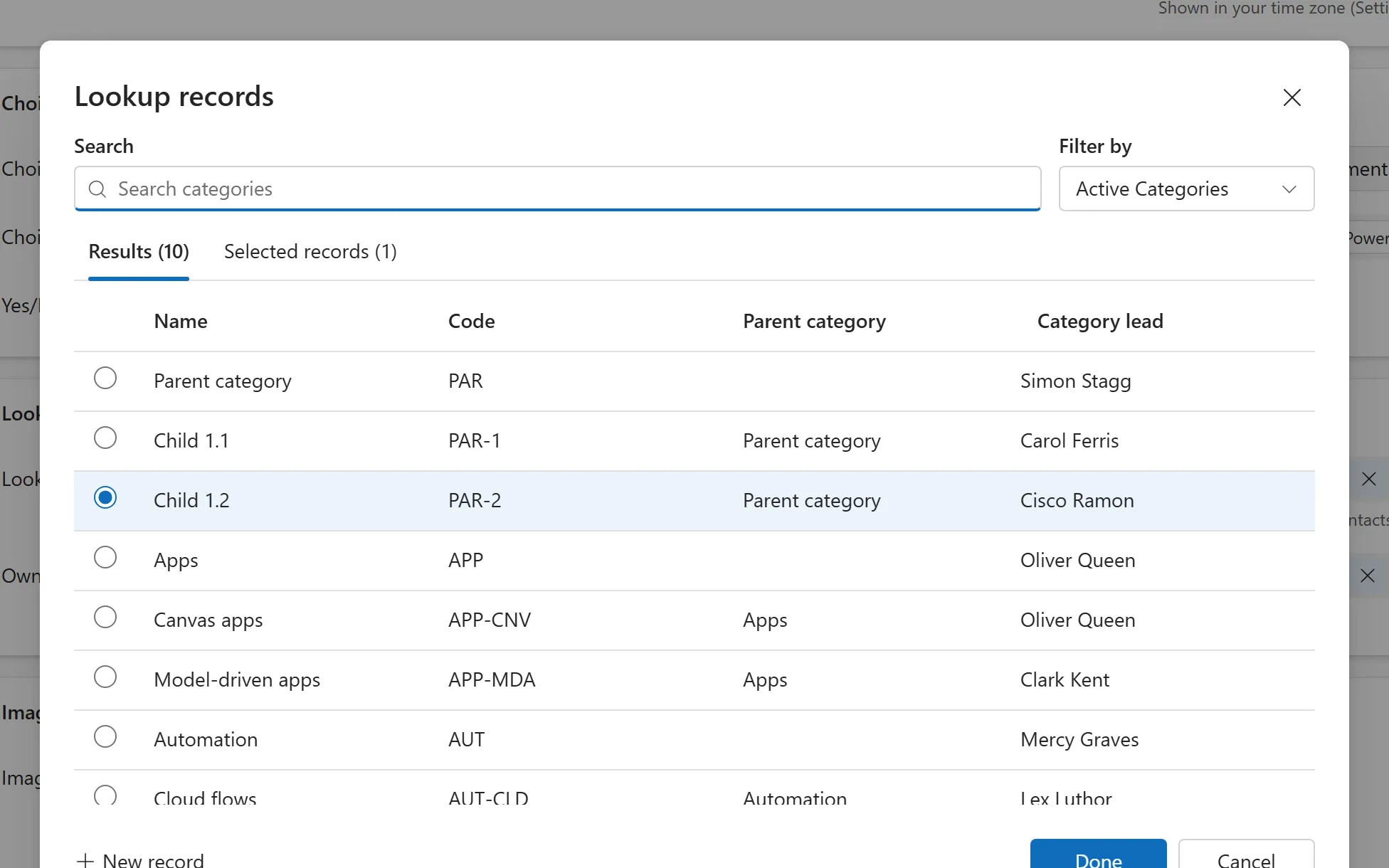
A dialog for finding rows with search, a view filter, a table switcher and a list of what you selected so far.
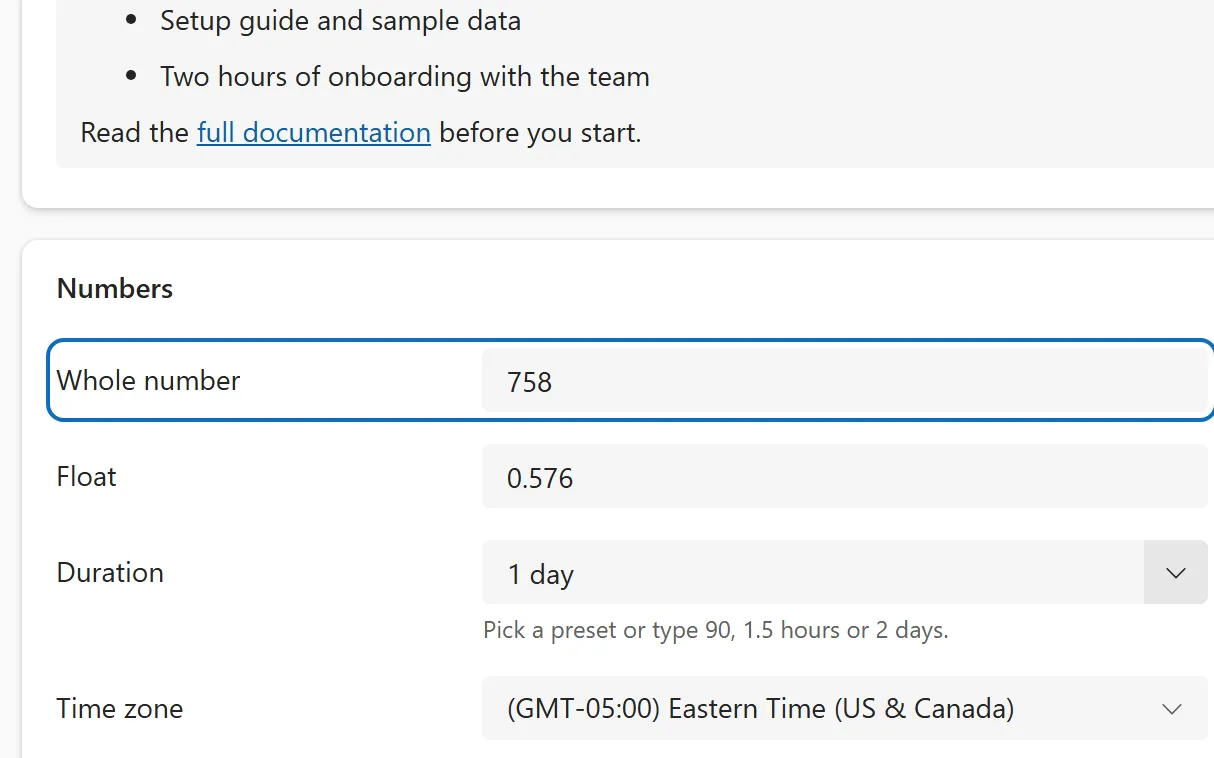
Number columns shown in the user's own number format, with minimum, maximum and precision set on the column.
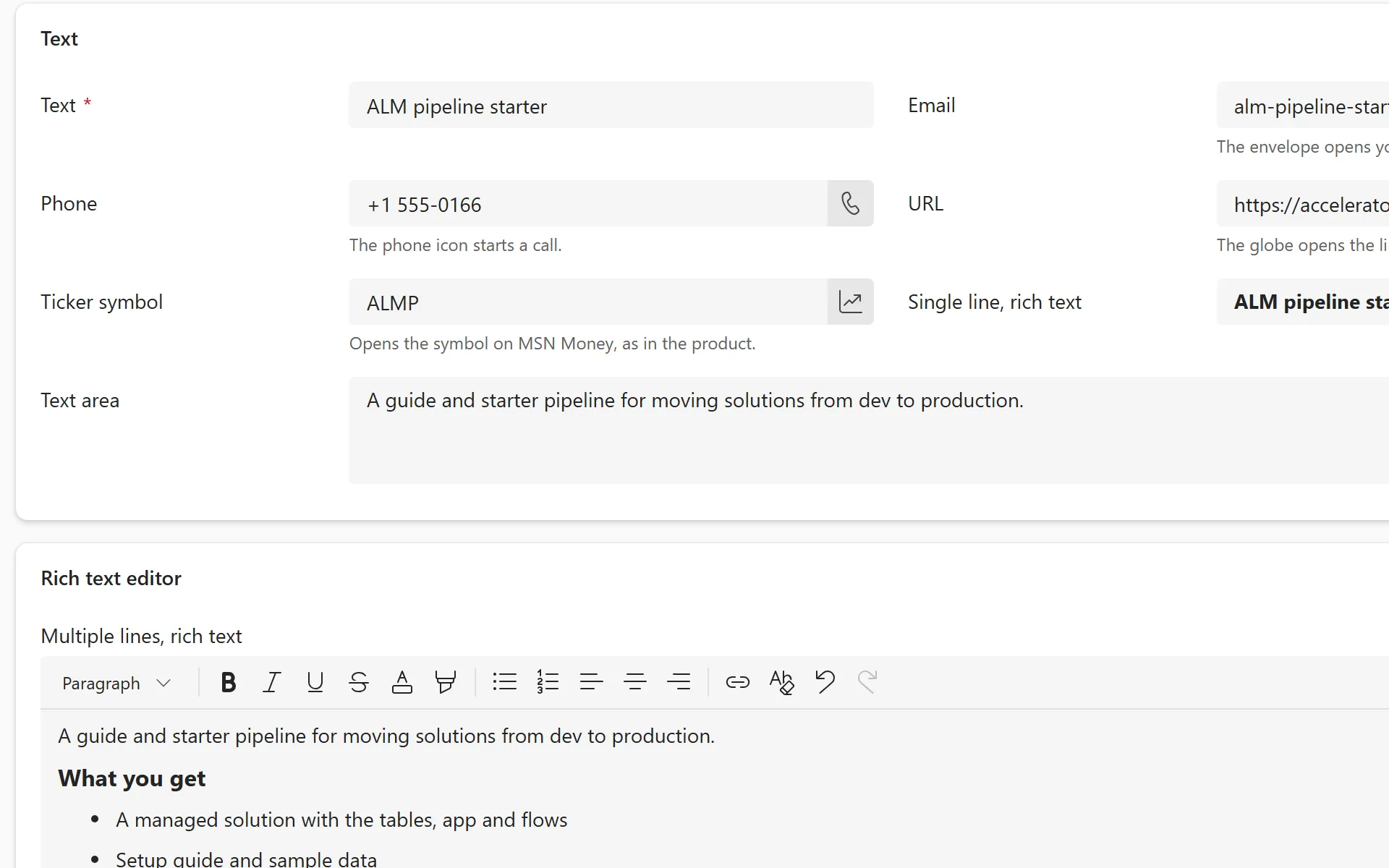
A plain multiline text column for longer notes and descriptions, up to 1,048,576 characters.
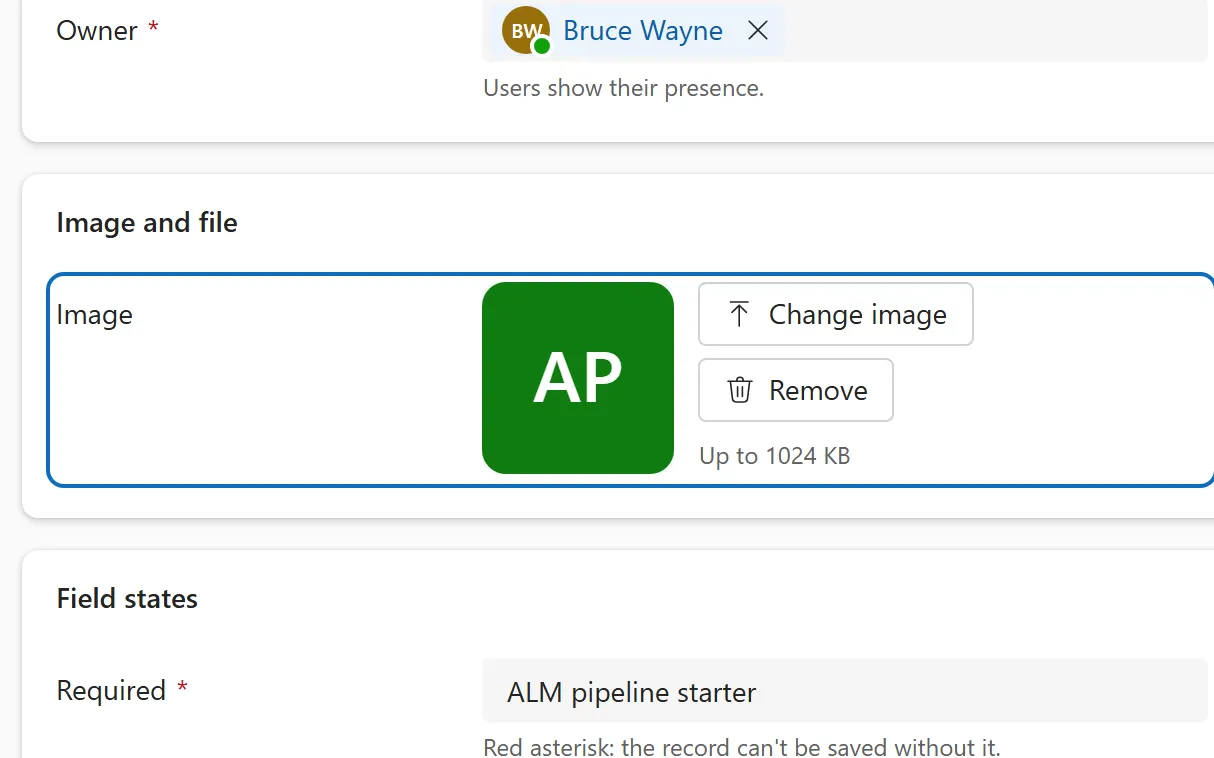
A column that stores a picture, with upload and preview on the form; the primary image also appears in the form header.
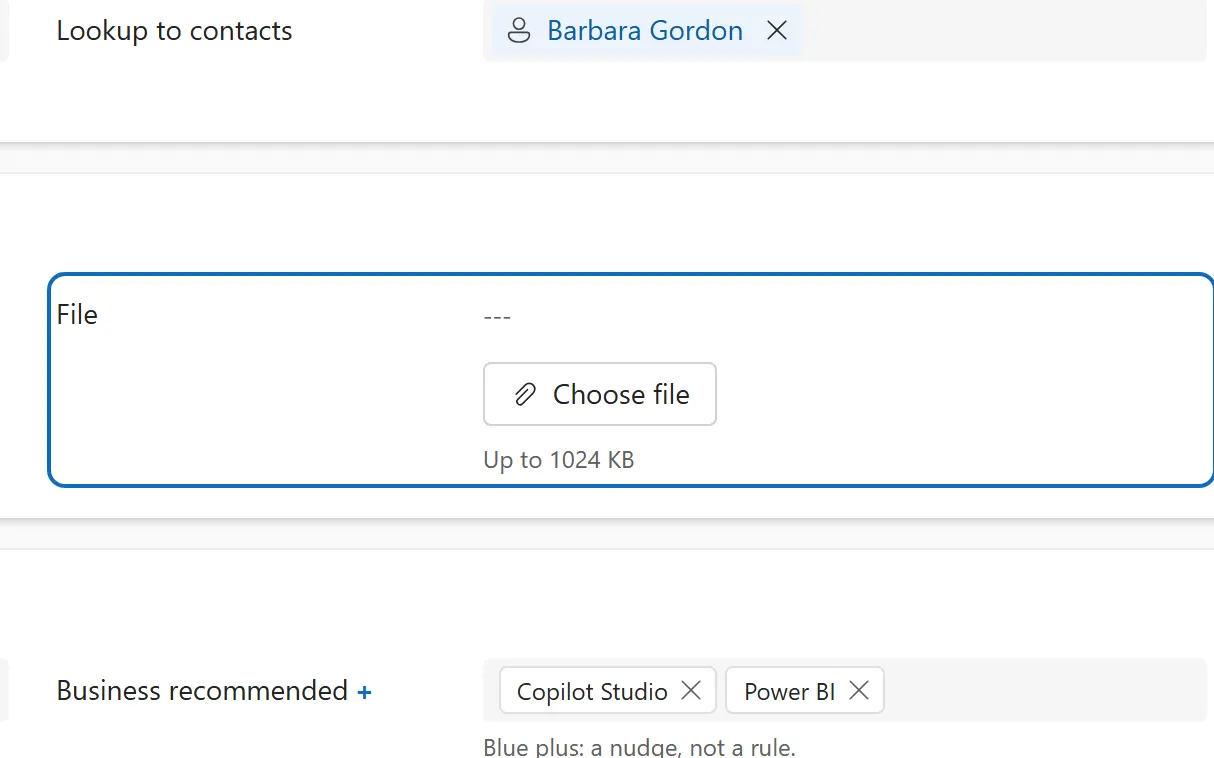
A column that attaches one file to a row, with a size limit, a download link and a remove button.
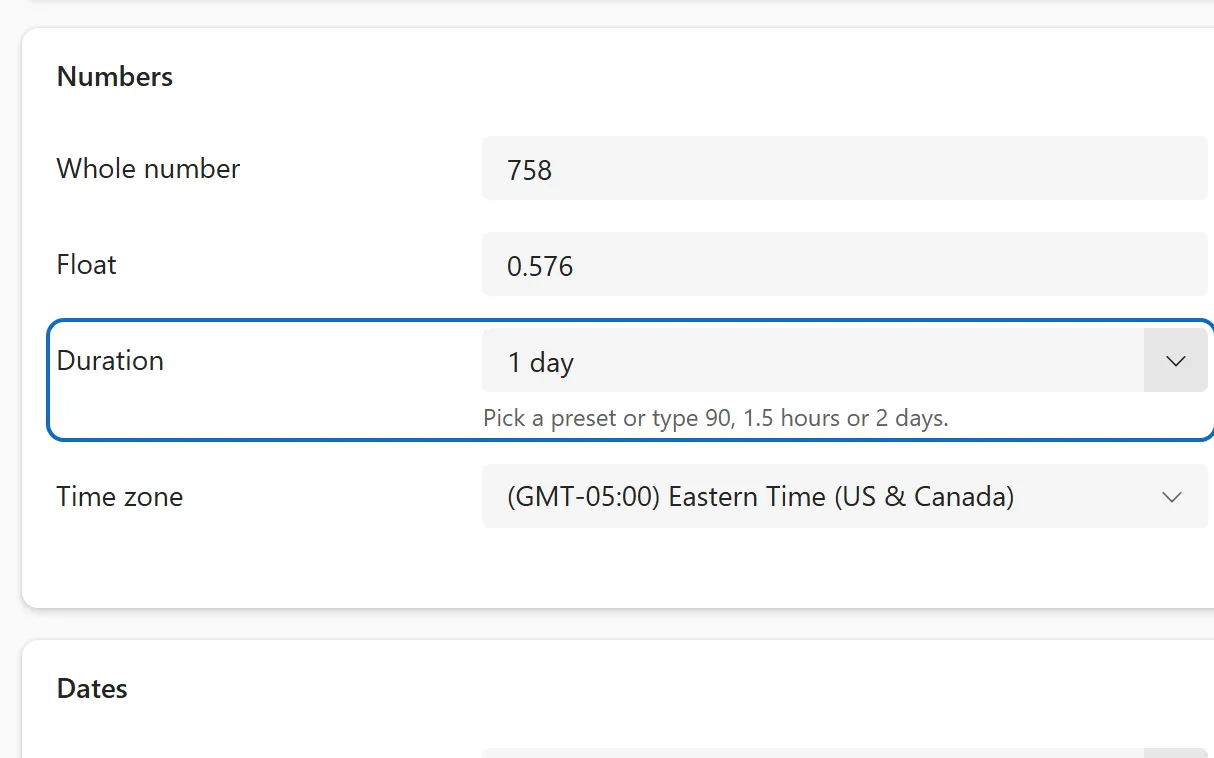
A whole number of minutes shown as readable time such as 1.5 hours, with a drop-down of common intervals.
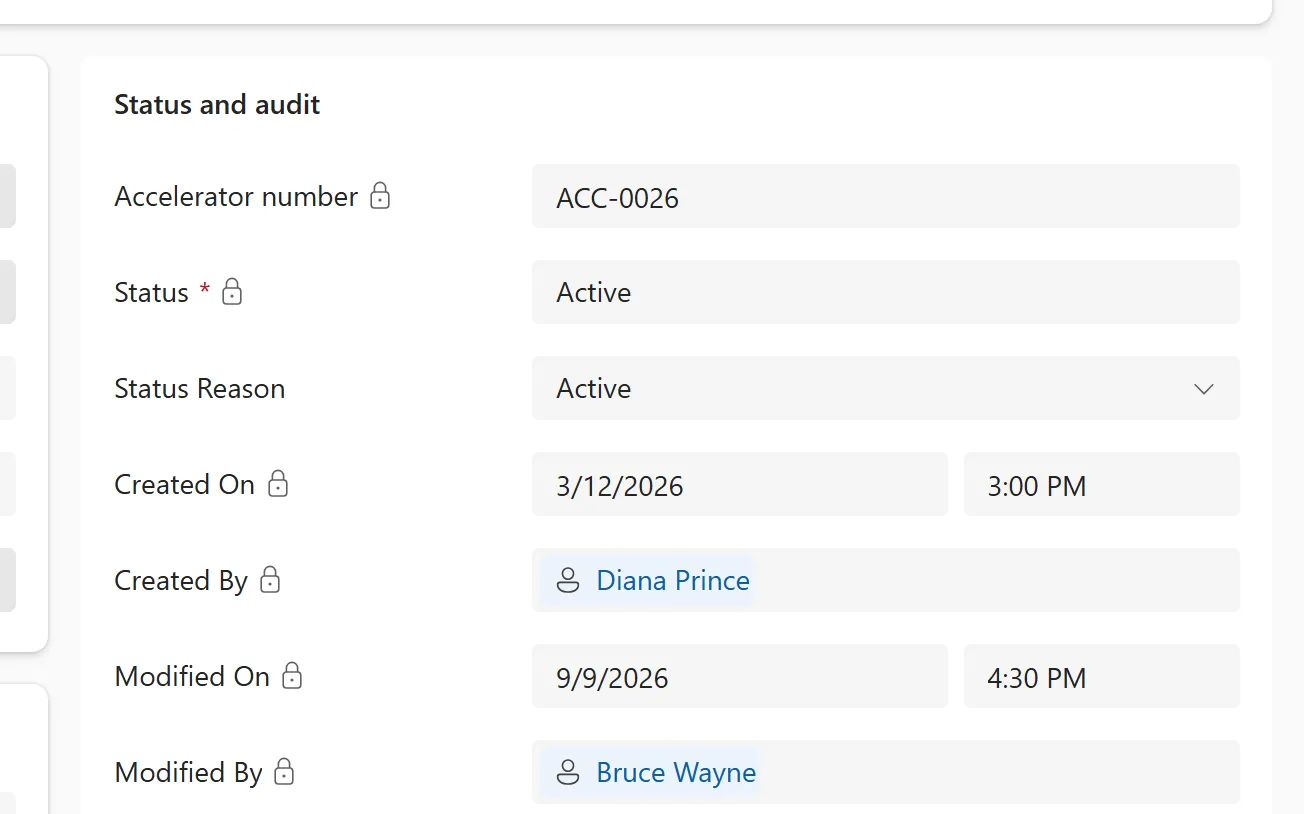
Read-only columns that Dataverse fills in for you, such as autonumber, status, created and modified details and the owner.
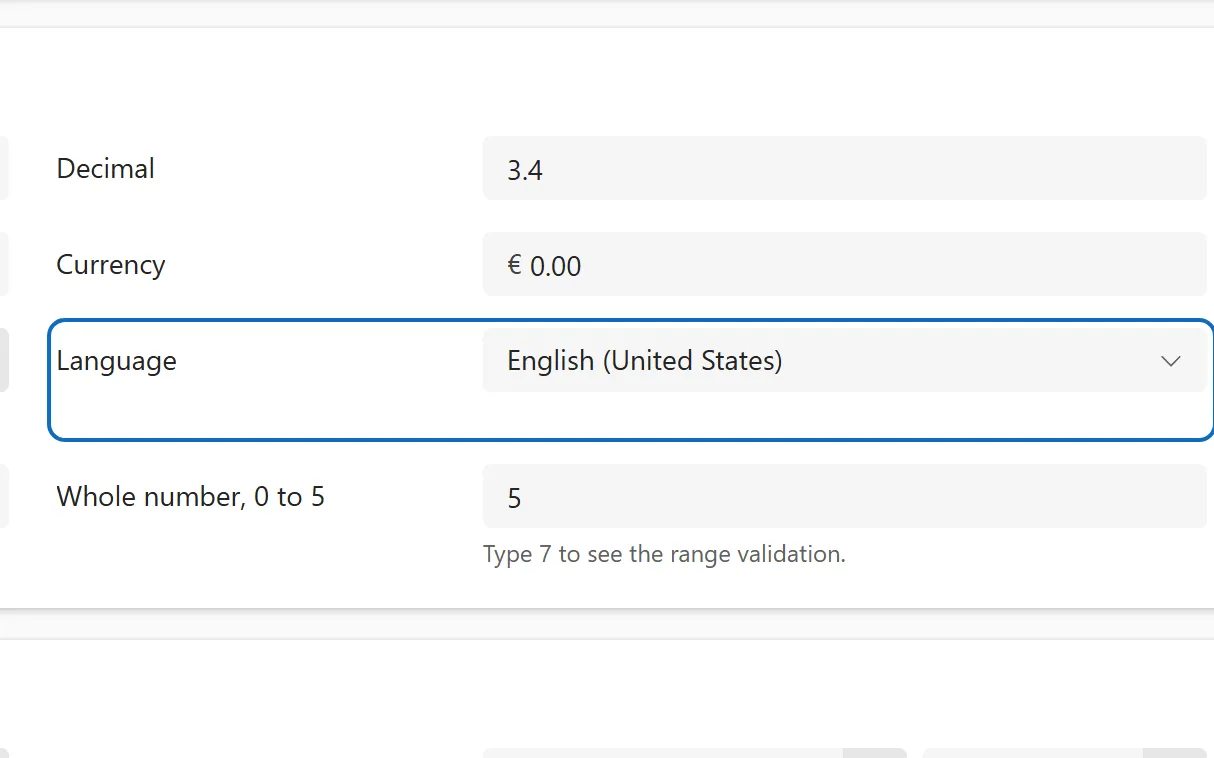
A whole number column that stores a language code and shows a searchable list of language names.
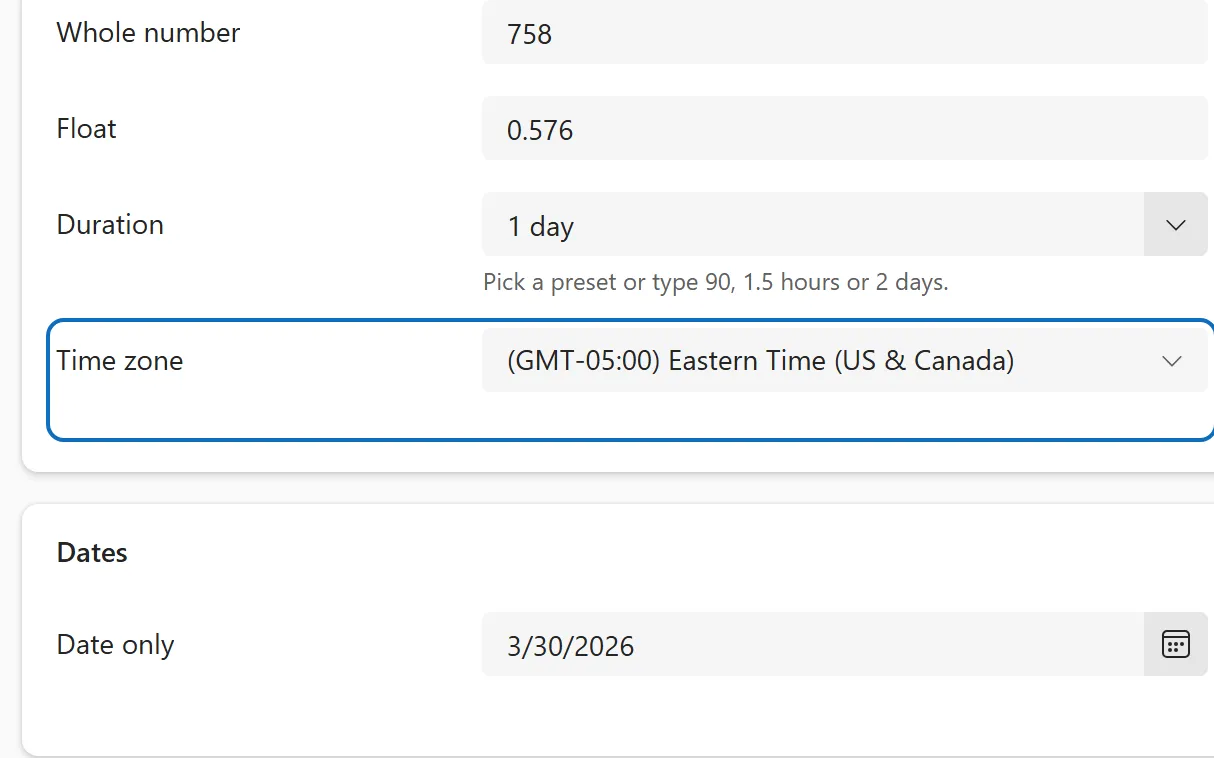
A whole number column that stores a time zone code and shows a list of zones such as (GMT+01:00) Brussels.
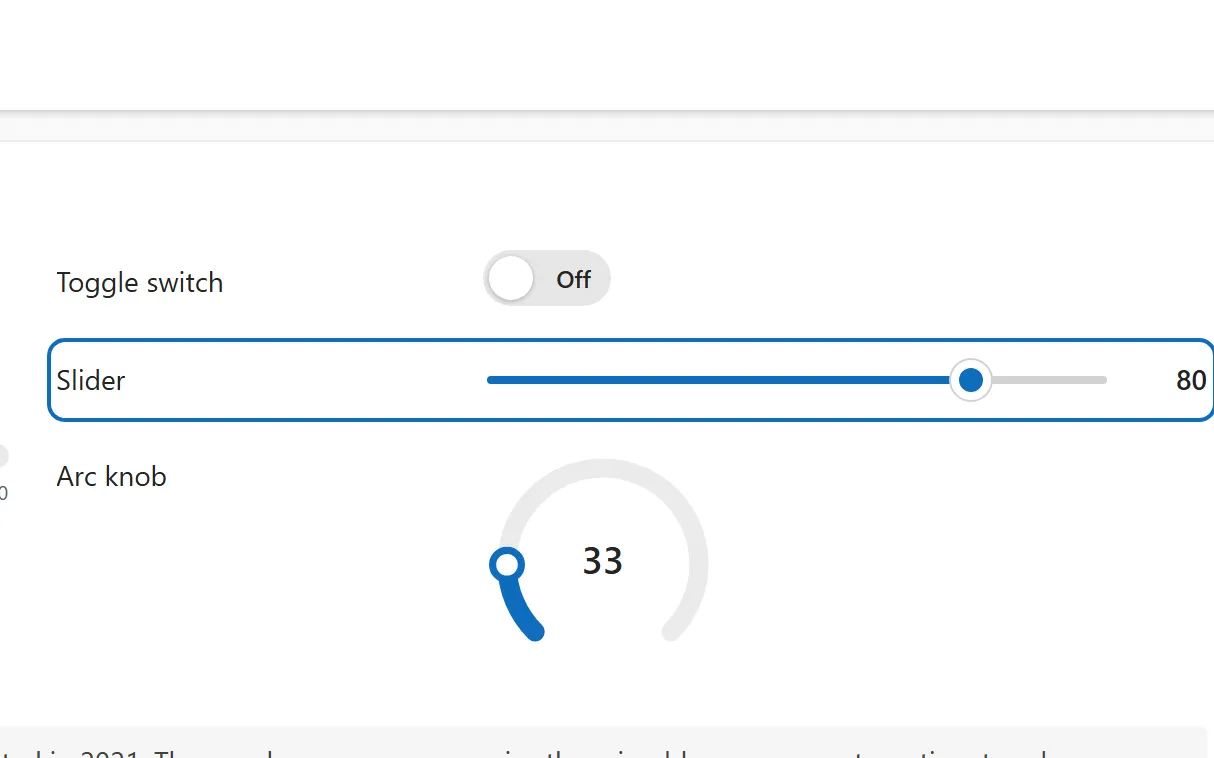
A custom control that lets users set a number by dragging a handle between a minimum and a maximum.
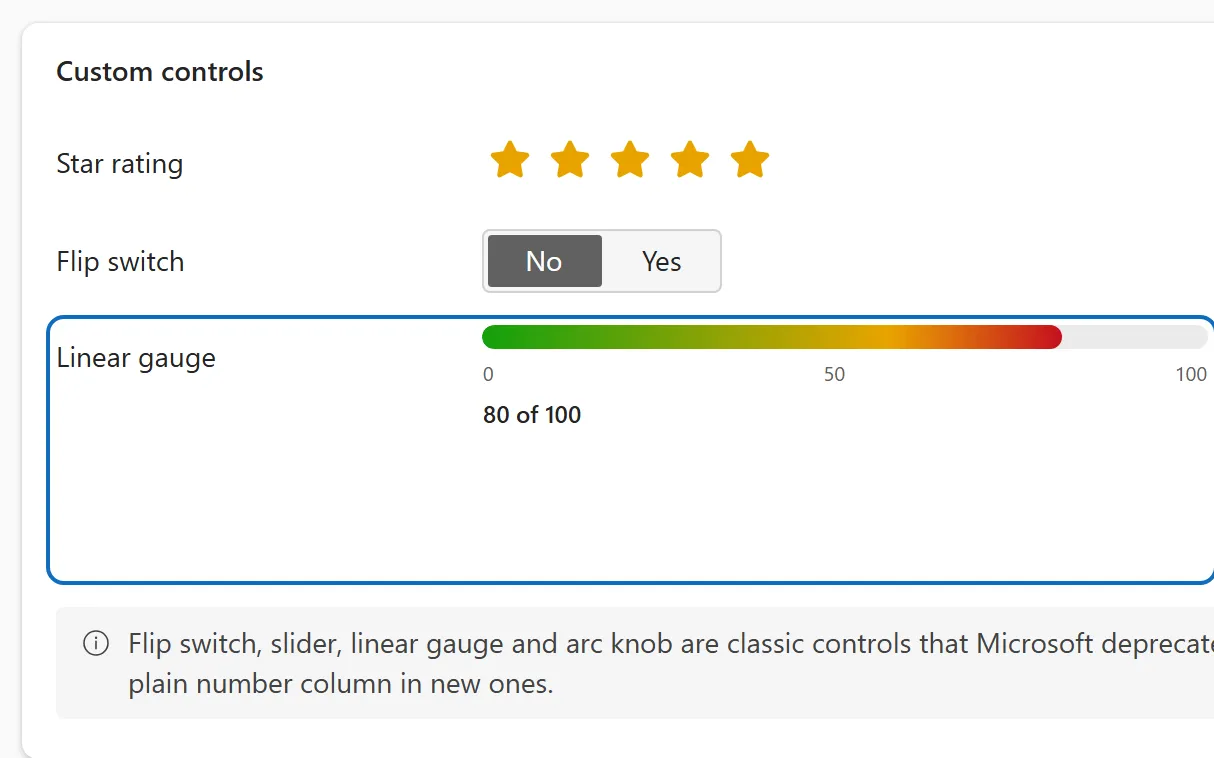
A read-only custom control that draws a number as a filled bar against a minimum and a maximum.
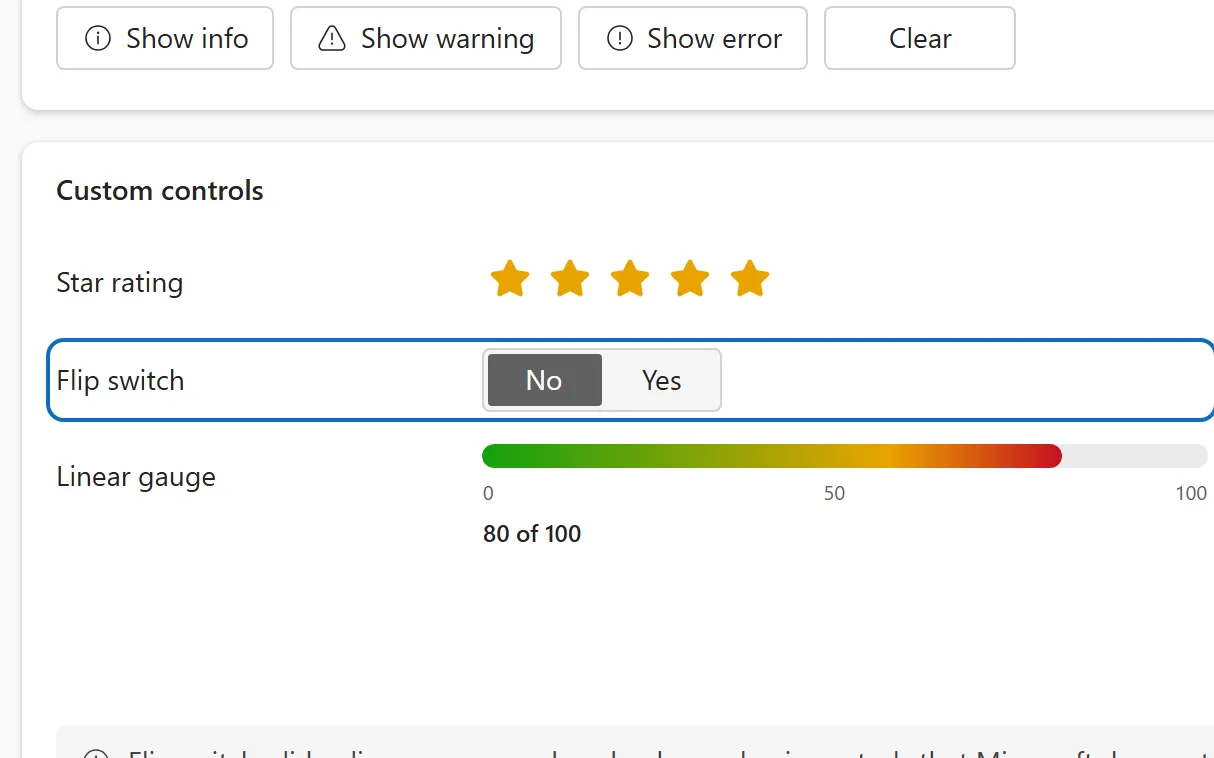
A deprecated custom control that shows a Yes/No column as a two-sided switch labelled with the column's own options.
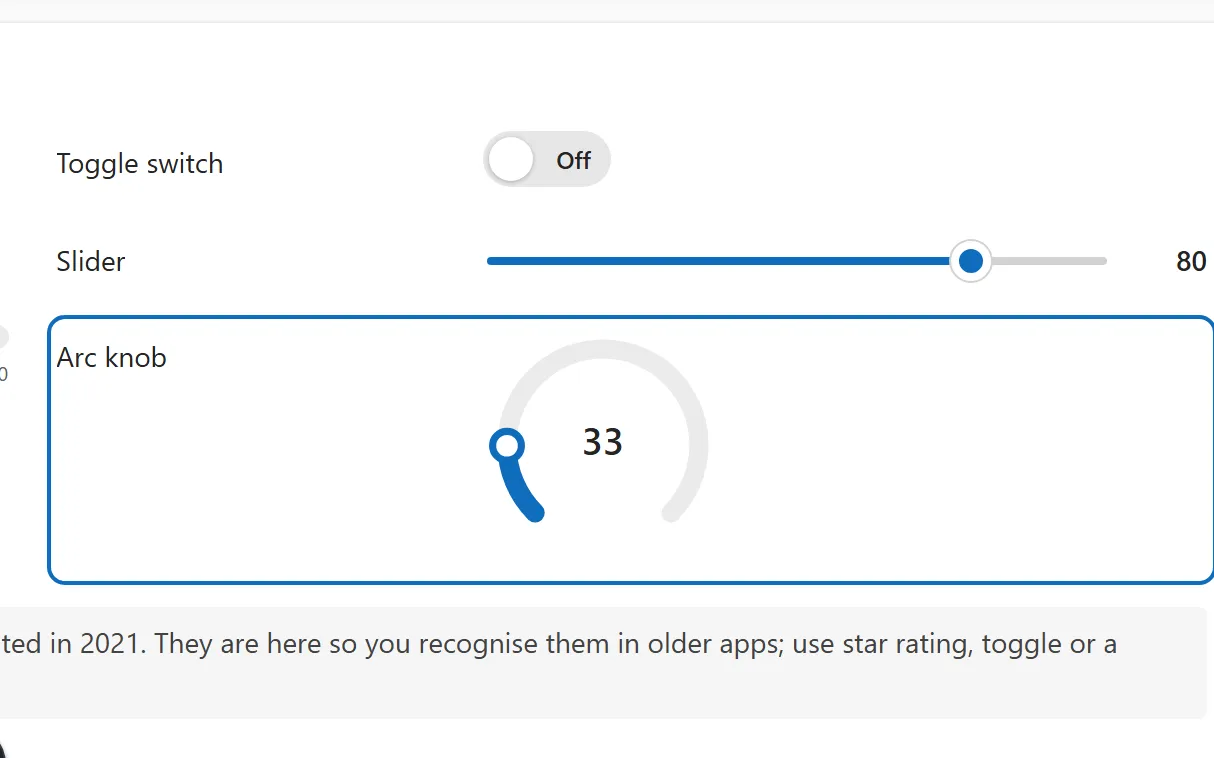
A deprecated custom control that sets a number by dragging a handle around a dial-shaped arc.
Related data 4
Rows linked to the record: subgrids, associated views, the timeline and the process flow.
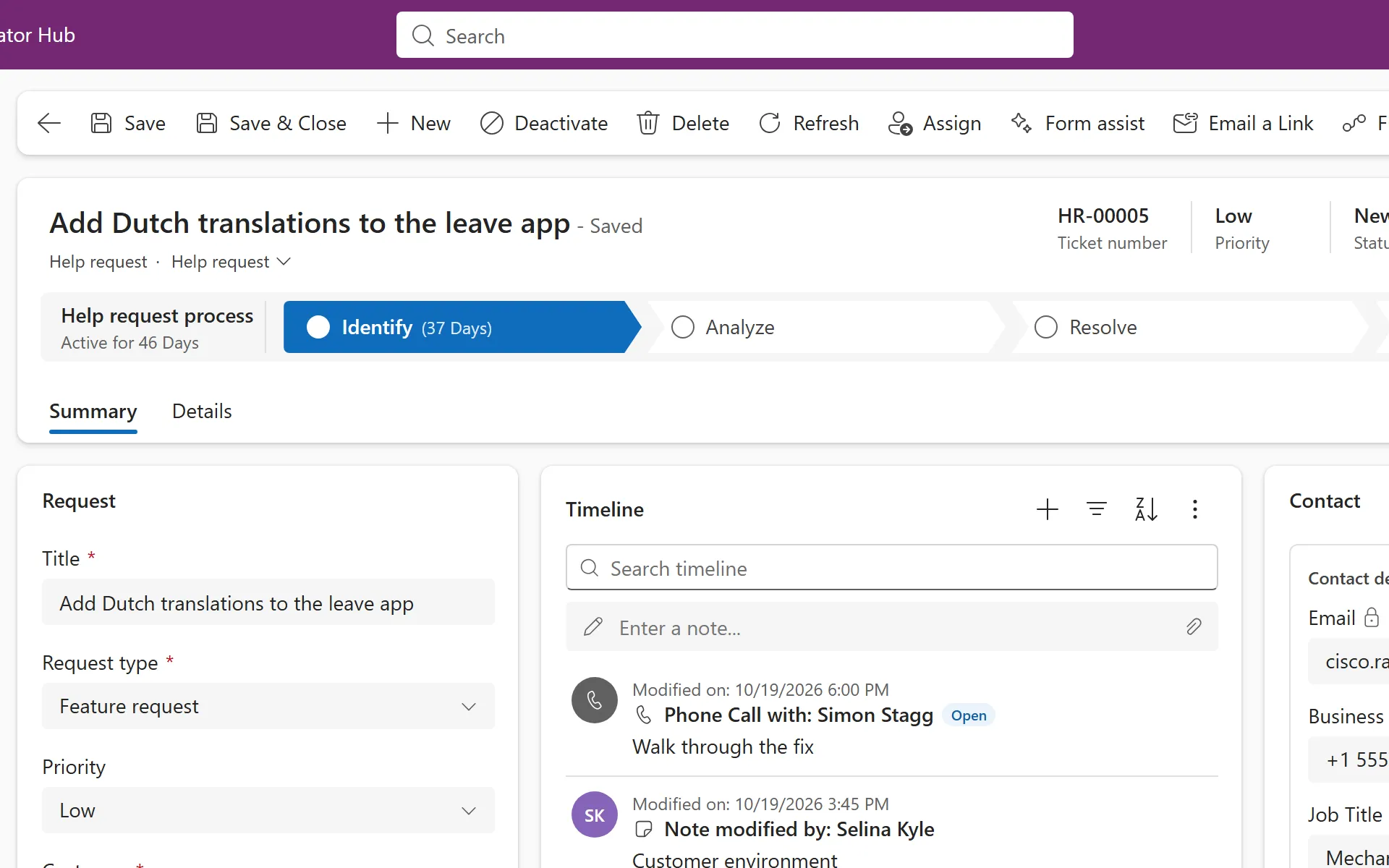
A row of stages across the top of the form that guides people through a process, with data steps in each stage.
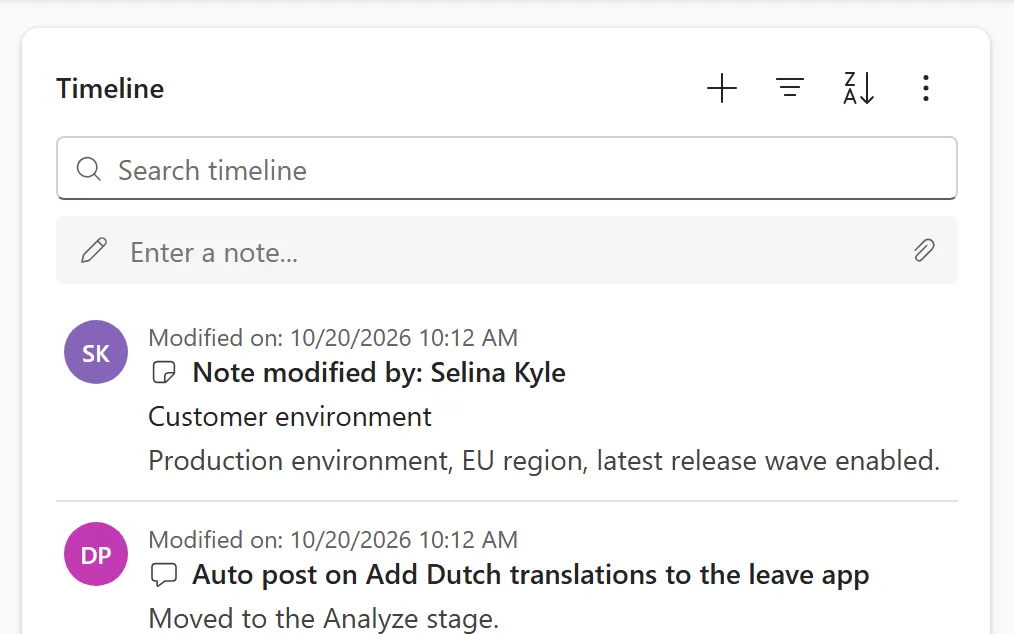
A running list of notes, posts and activities on a row, with filter, sort, search and quick entry of new notes.
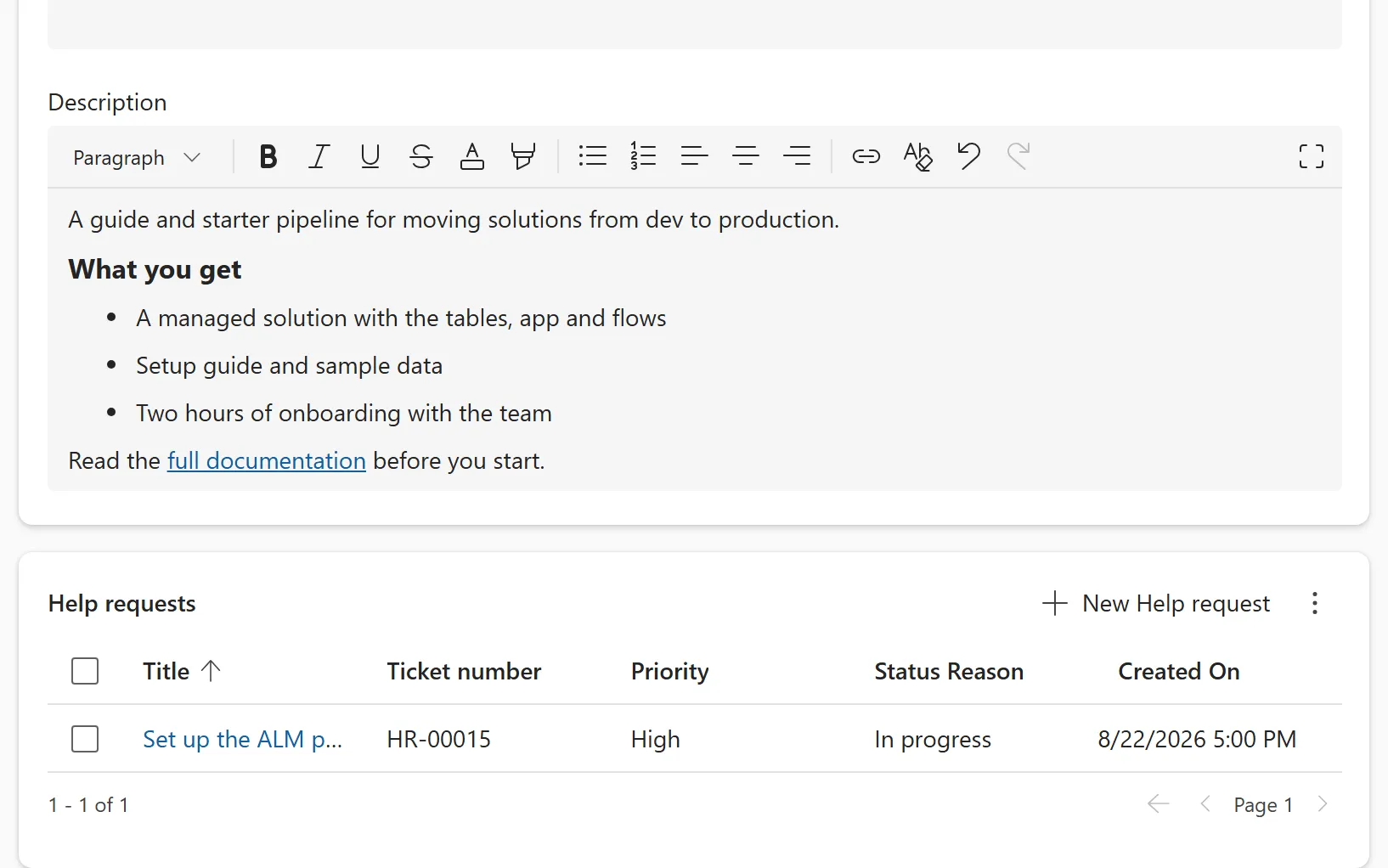
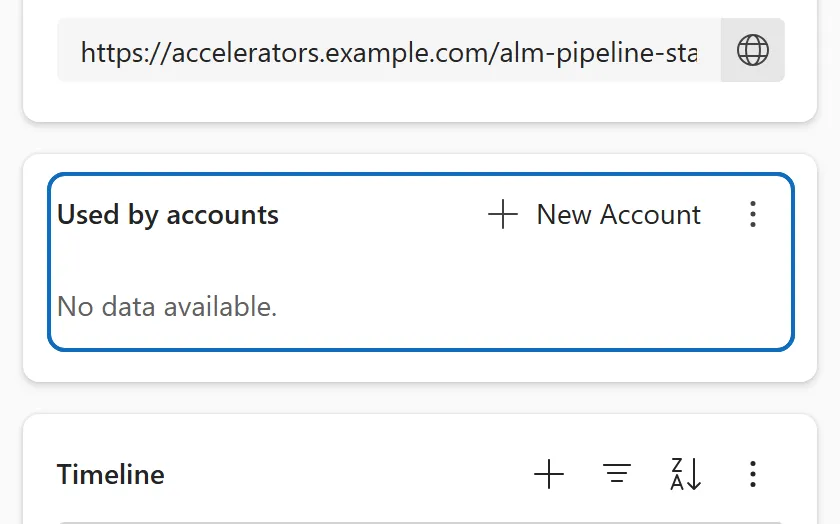
A list of related rows on a form, with its own command bar for New, Add existing, Delete, Refresh and paging.
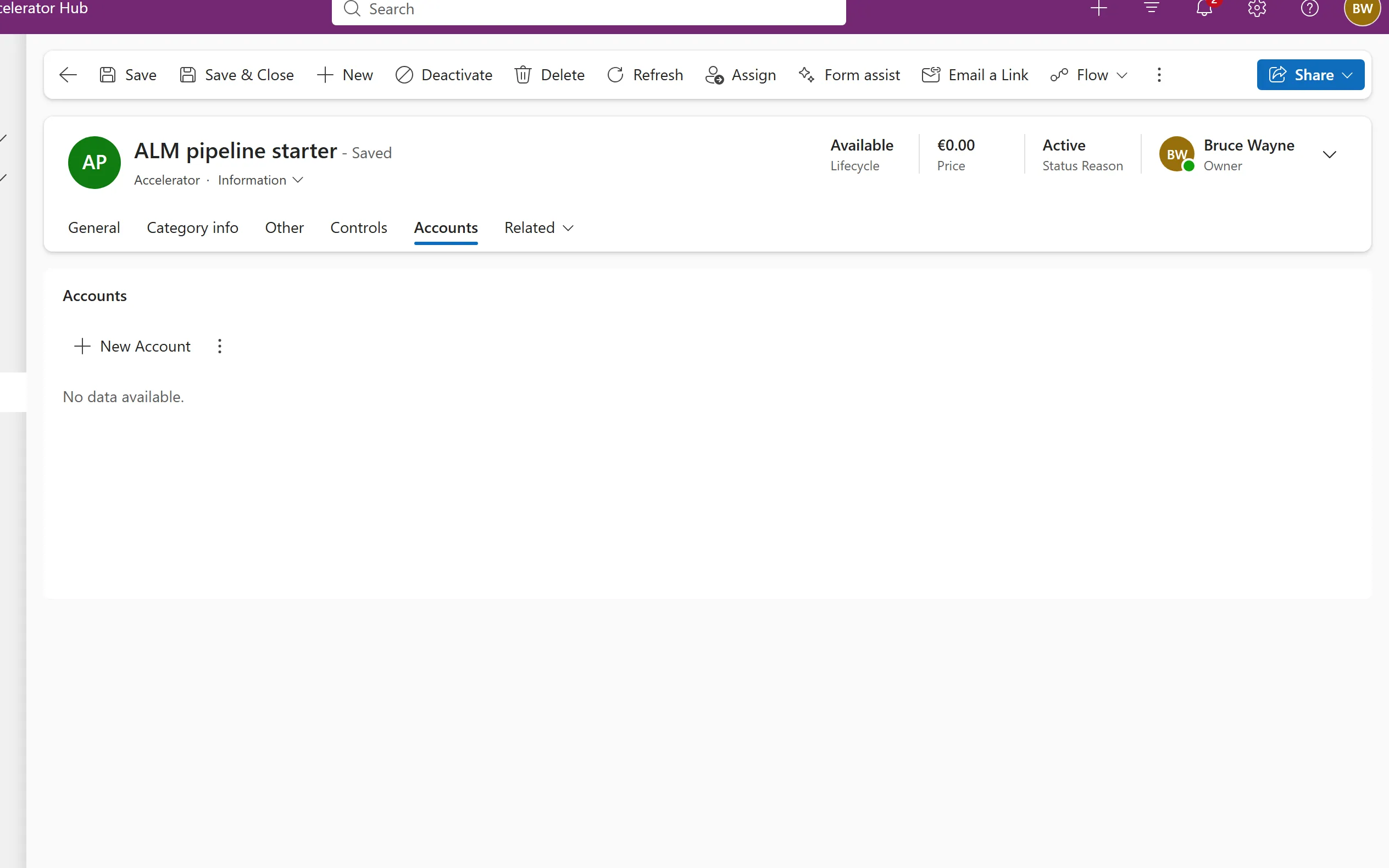
A menu next to the form tabs that opens the related rows of each relationship as a temporary tab.
Dashboards and pages 3
Pages that aren't a view or a form: dashboards and custom pages.
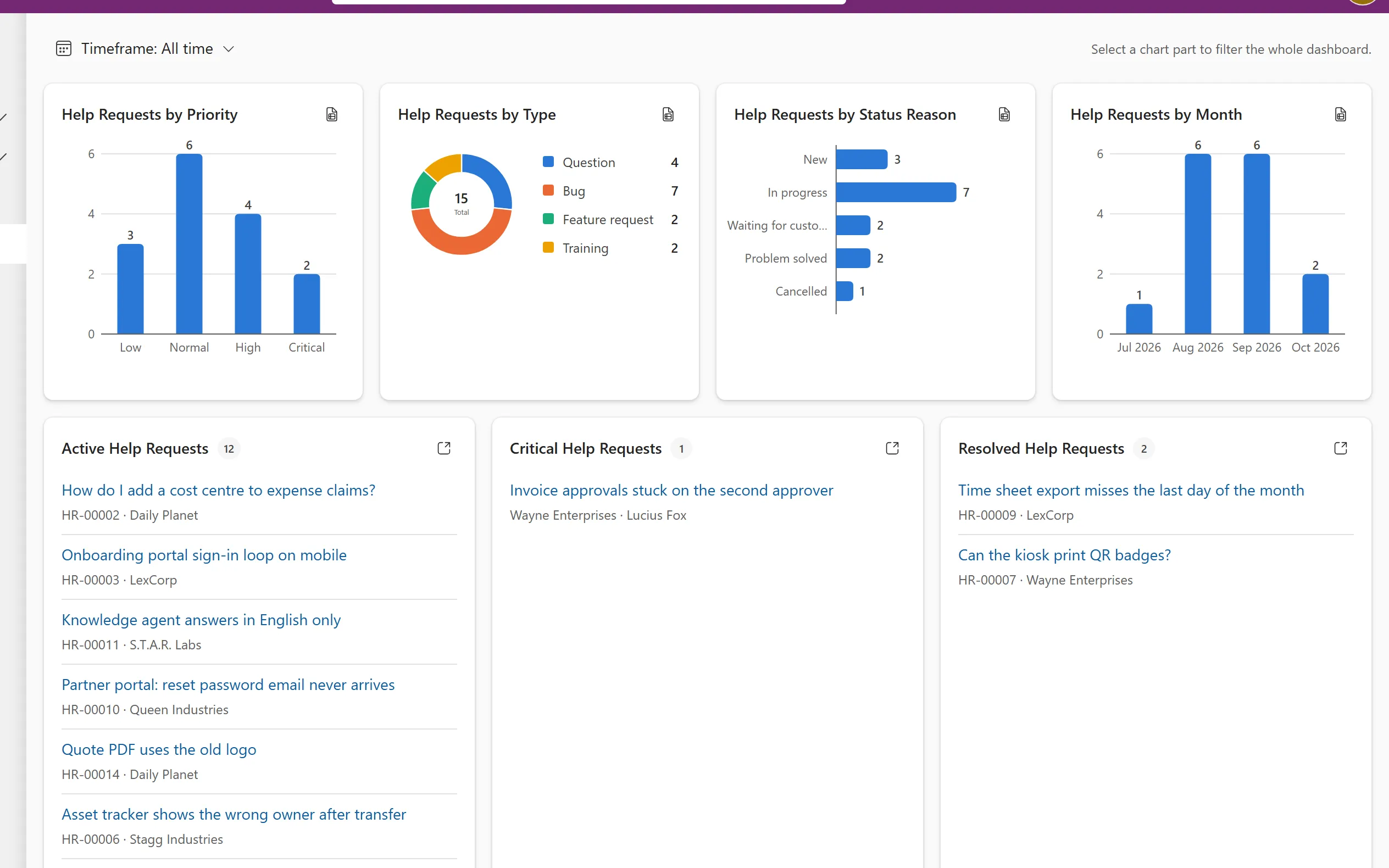
A dashboard of clickable charts, record streams and tiles, where selecting a chart part filters everything on the page.
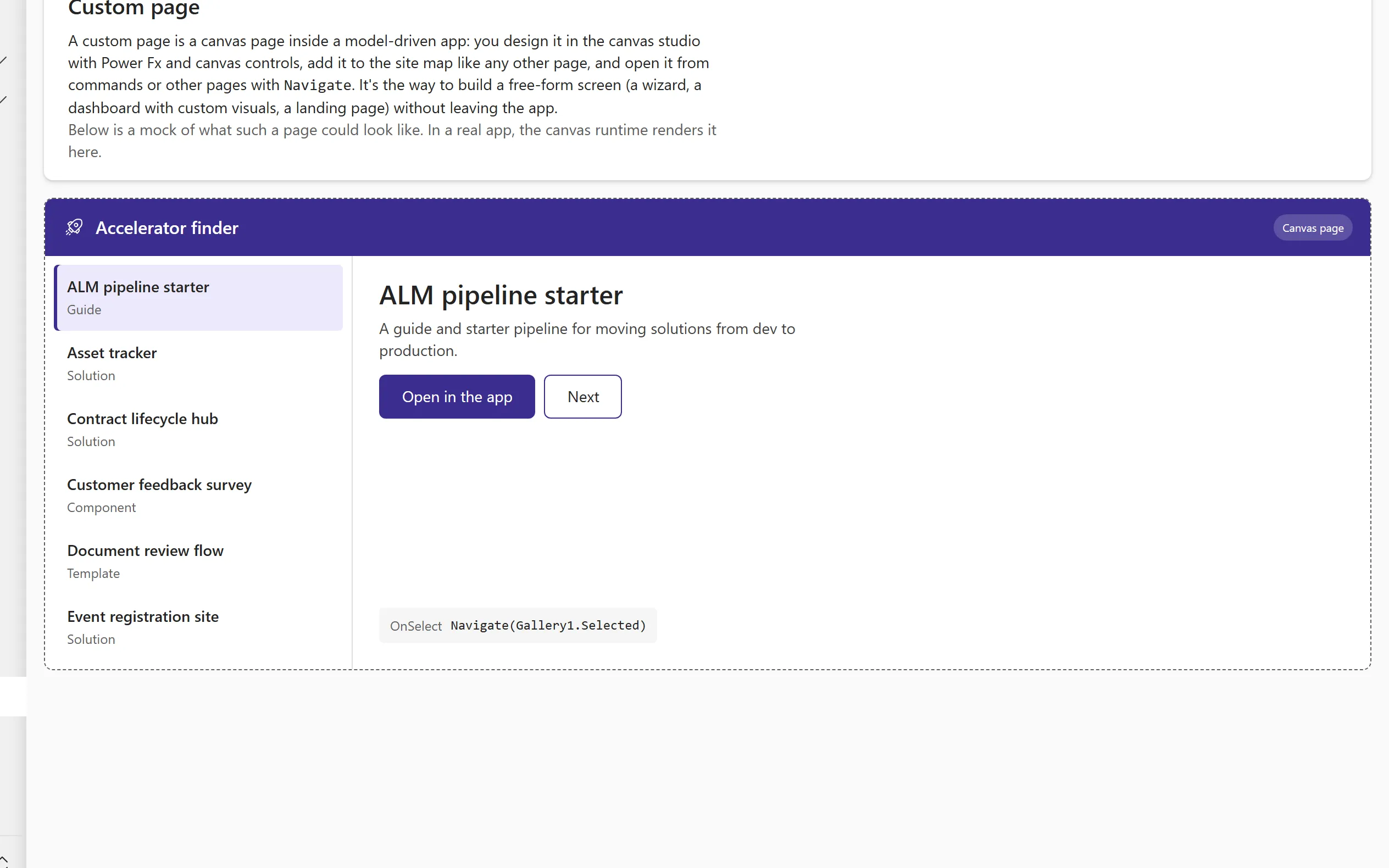
A canvas app page that sits inside a model-driven app, for free-form screens that forms and views cannot give you.
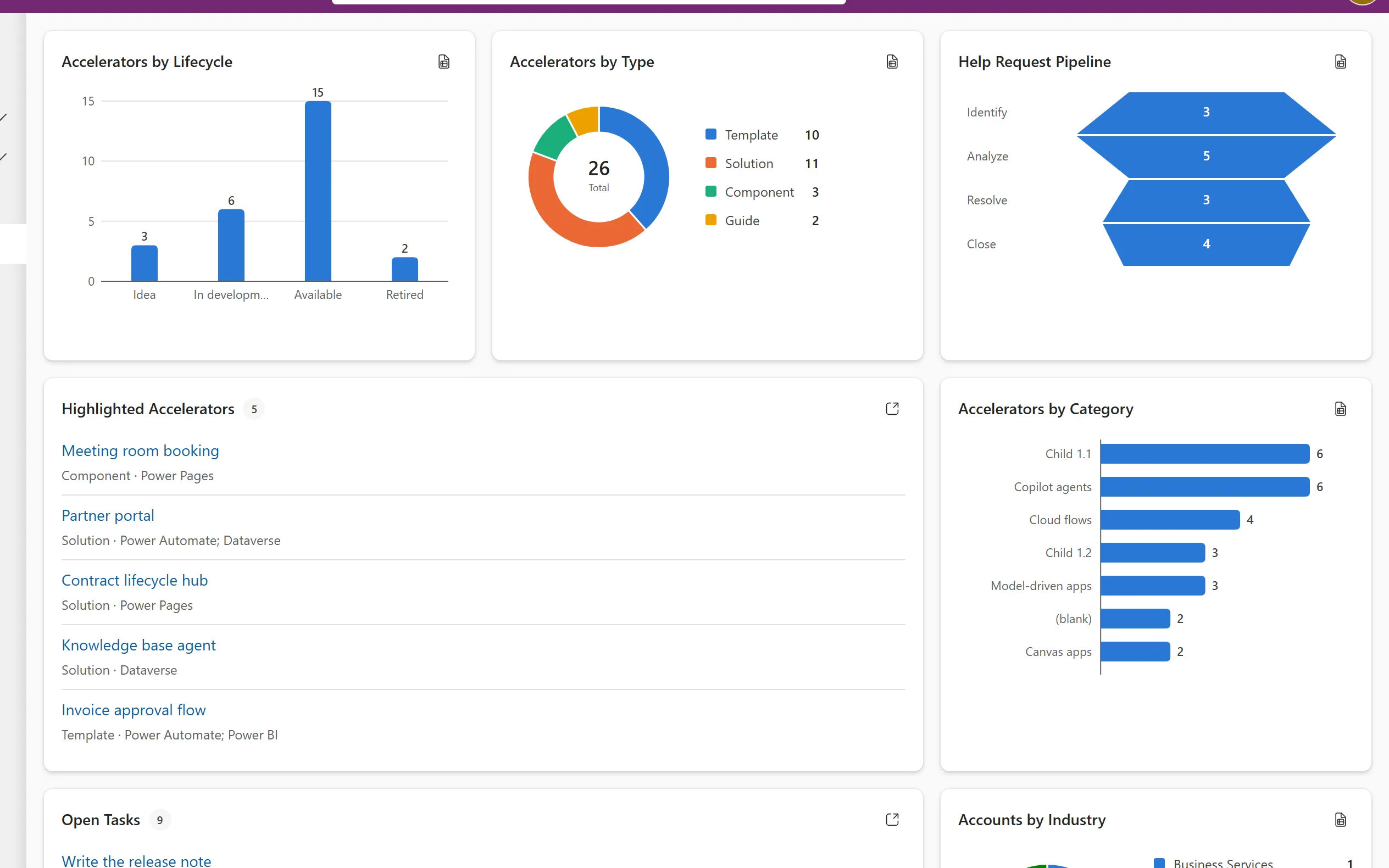
A fixed grid of charts and lists from several tables on one page, which can also act as the default home dashboard.
Commands and dialogs 6
What the commands open: settings, assign, share, delete, state changes and duplicate detection.
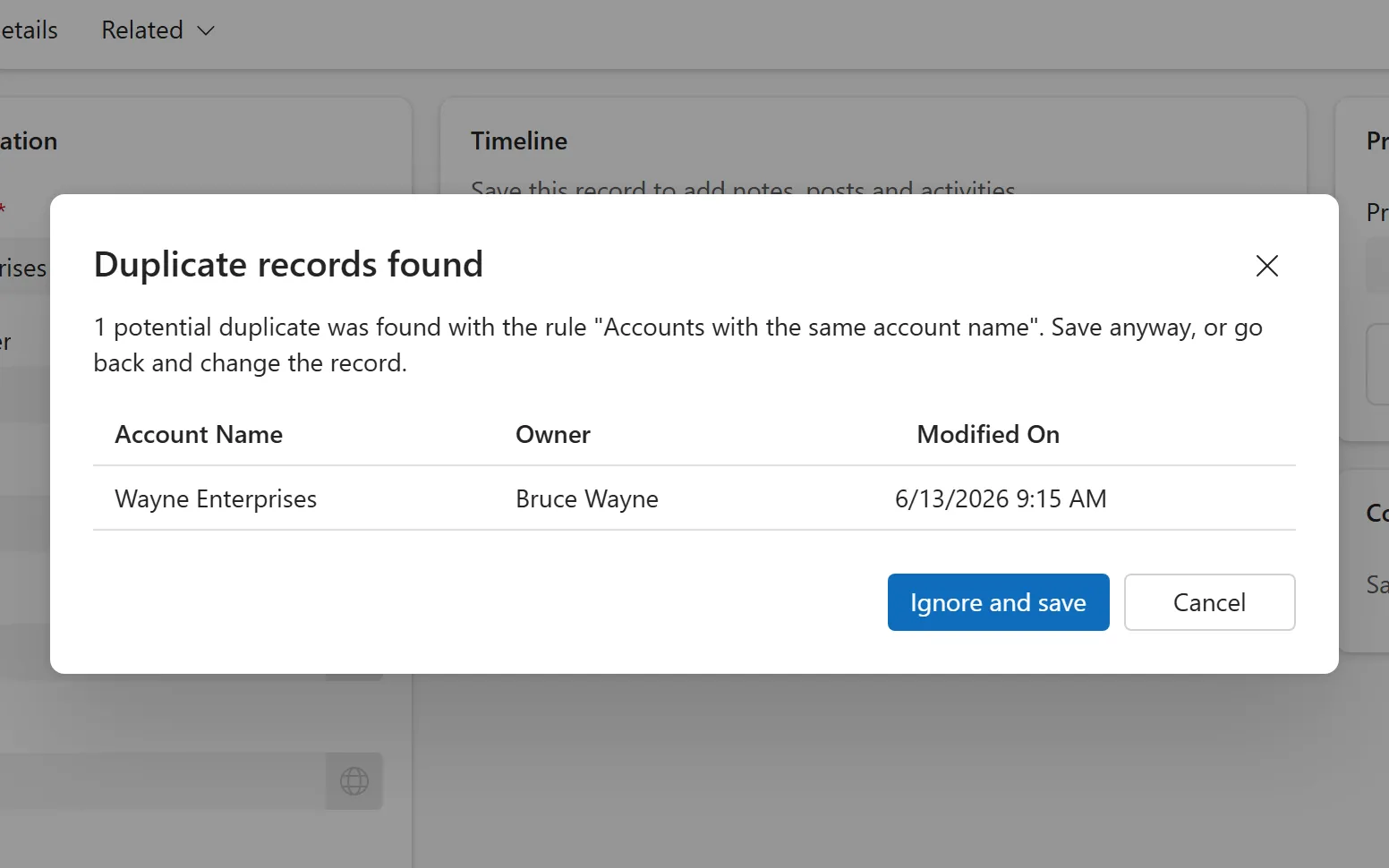
A warning dialog on save that lists existing rows matching a published duplicate detection rule, so users can stop or continue.
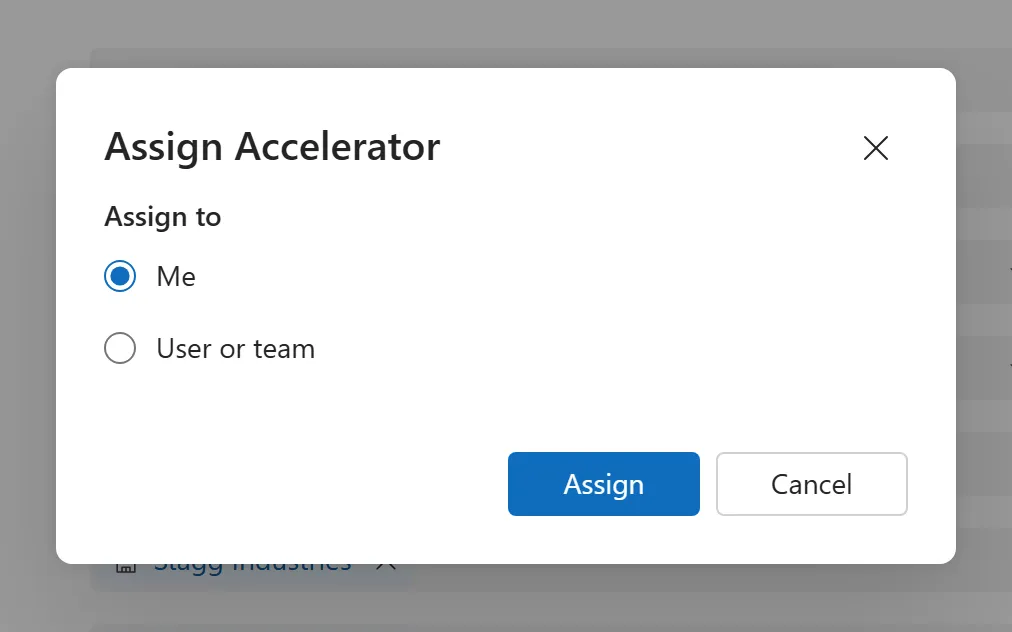
The Assign command and dialog that change the owner of one or more rows to yourself, another user or a team.
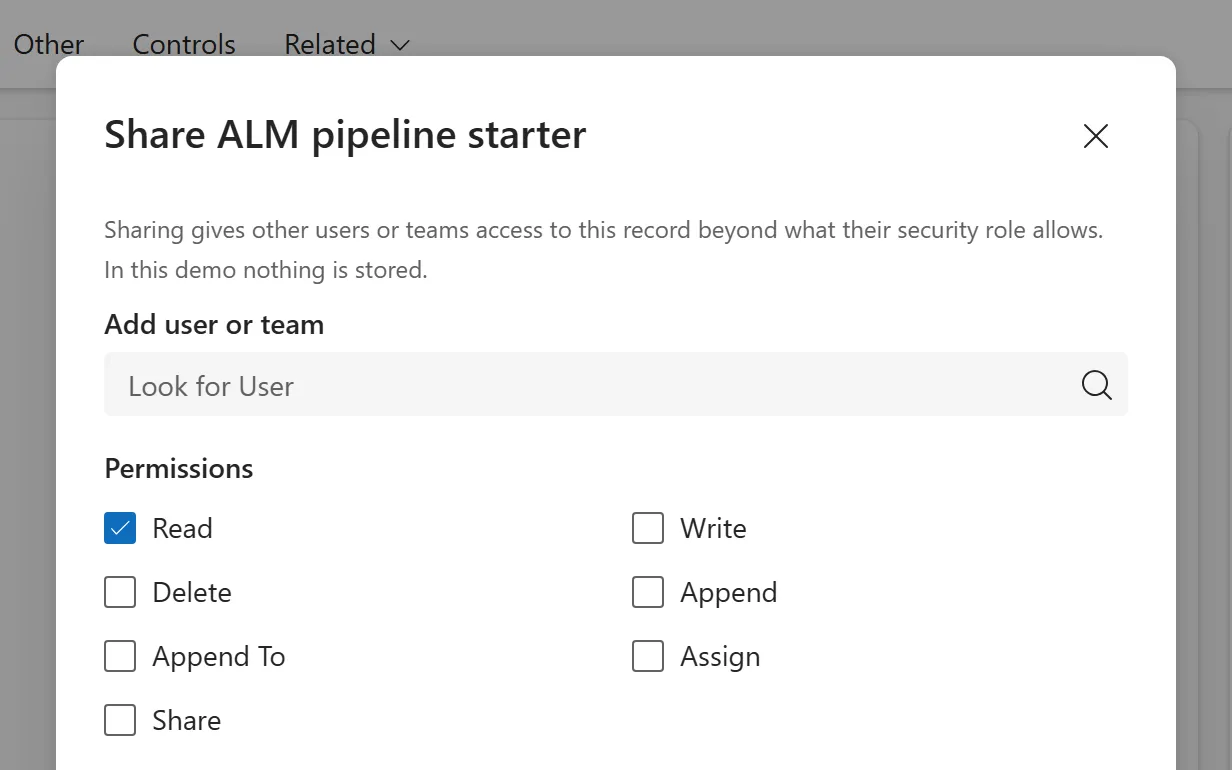
A dialog that gives other users or teams access to a single row with chosen rights, without changing its owner.
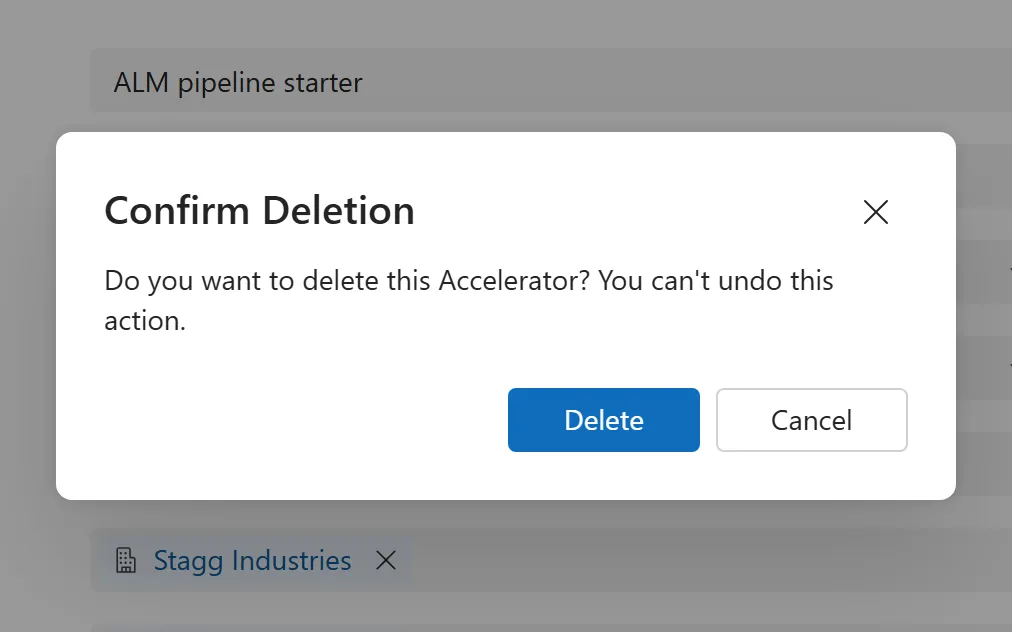
A confirmation dialog for removing rows, where the table relationships decide what happens to related rows.
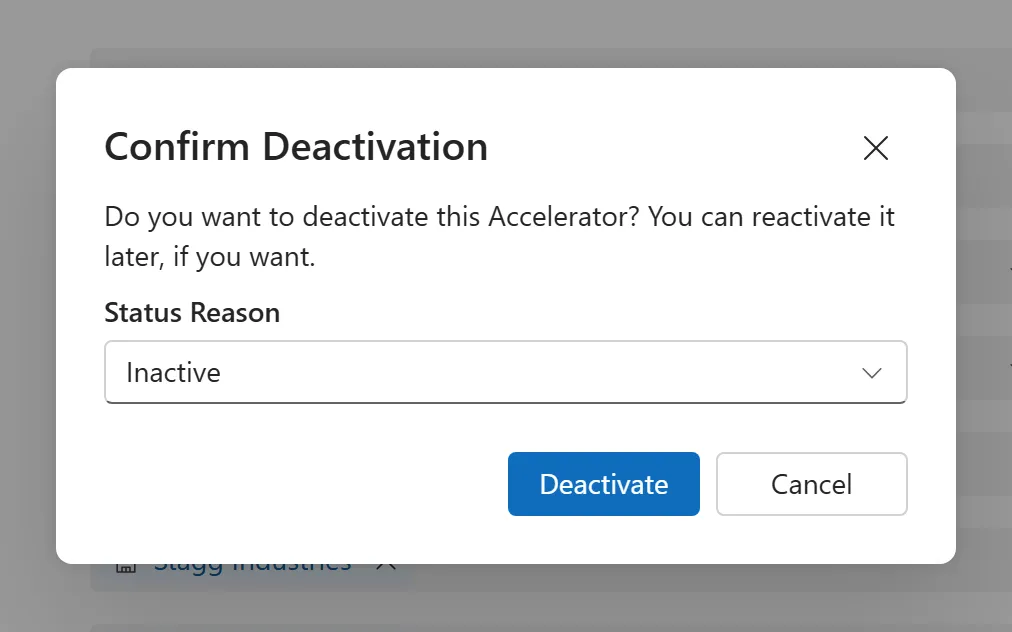
Commands that move a row between active and inactive status, asking for a status reason and locking the row while inactive.
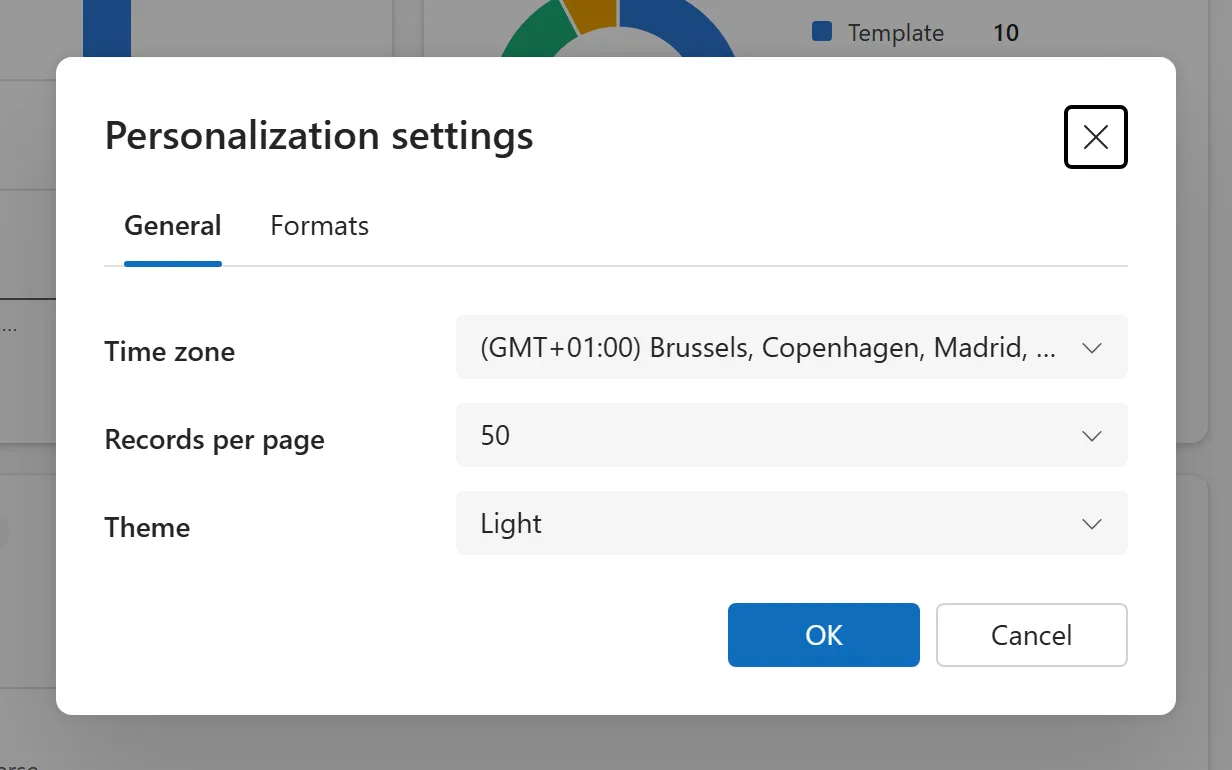
A personal dialog for time zone, rows per page and number, date and time formats, which applies to every grid and form.
App shell 6
The frame around every page: header, site map, command bar, search and notifications.
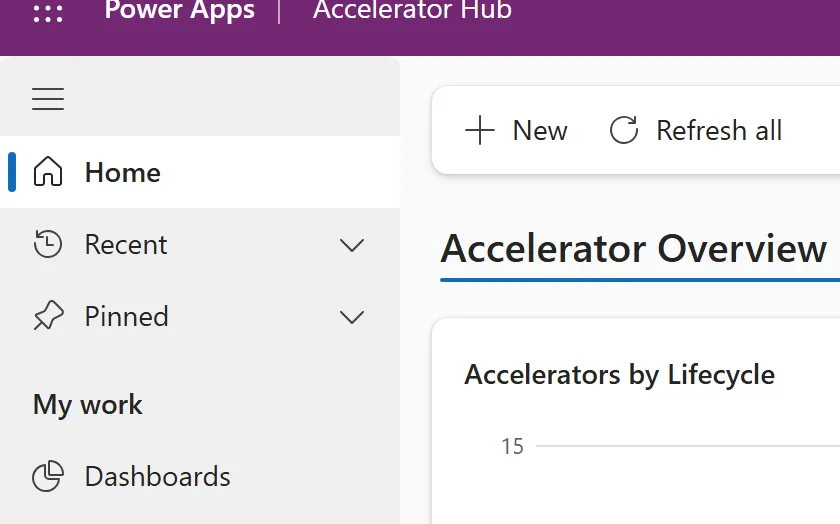
The left navigation of a model-driven app: groups of pages for tables and dashboards, with an area switcher and a collapsible pane.
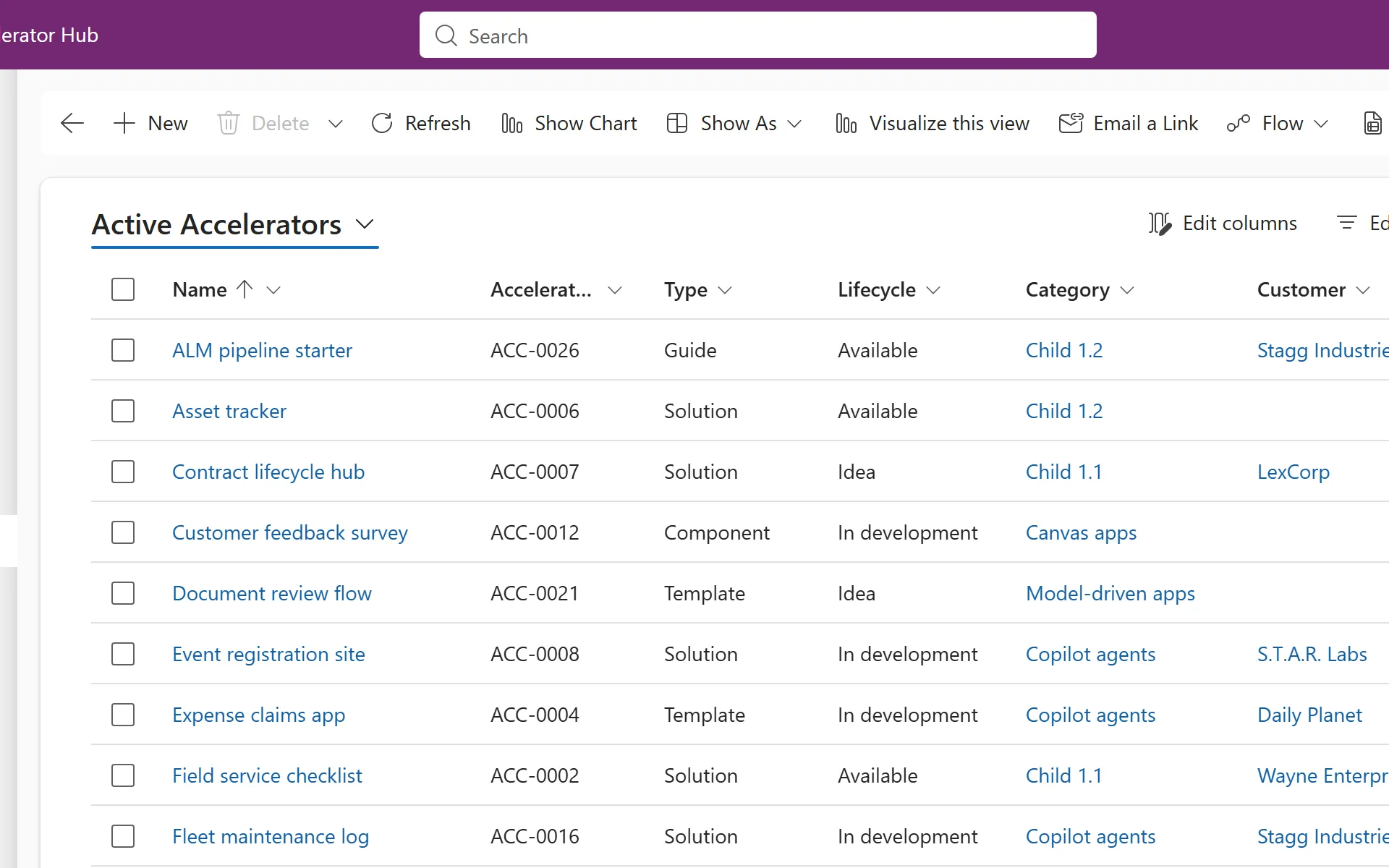
The row of buttons above a grid or form with the actions for that page, such as New, Delete and Refresh, with extras under the ellipsis.
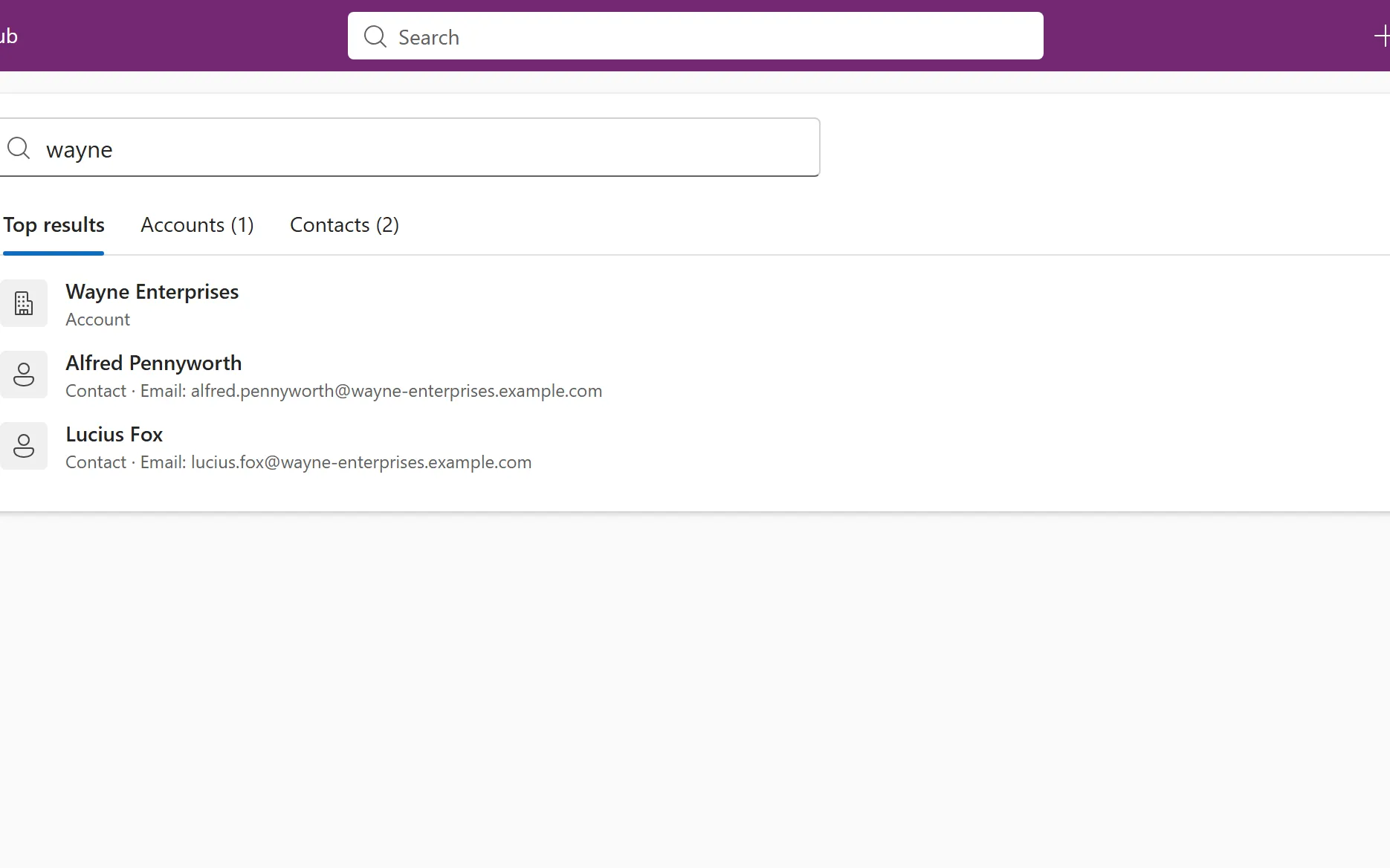
One search box in the header that finds records across many tables at once, with suggestions as you type and results grouped by table.
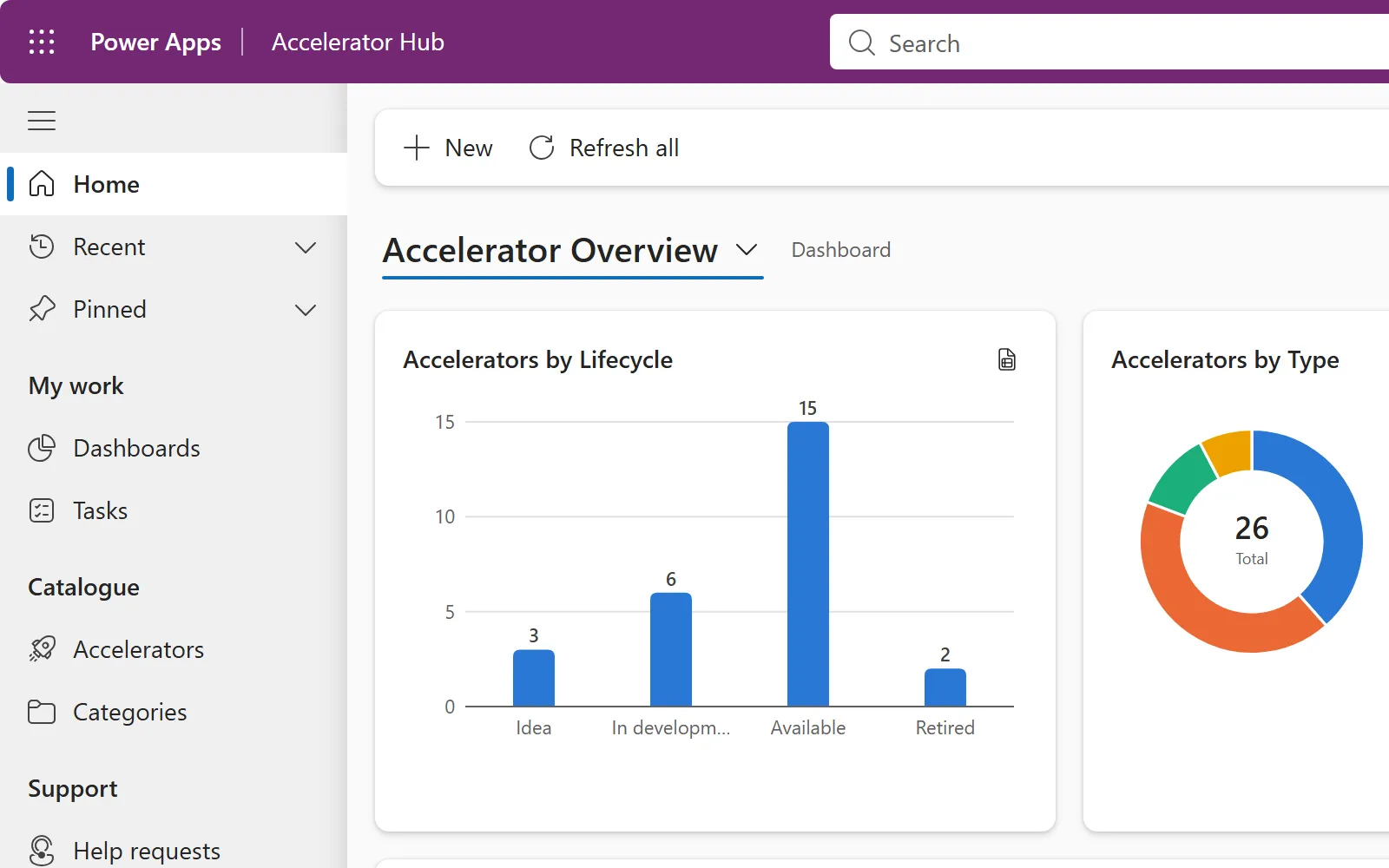
The bar across the top of every page: app name, search, quick create, advanced find, notifications, settings, help and your account.
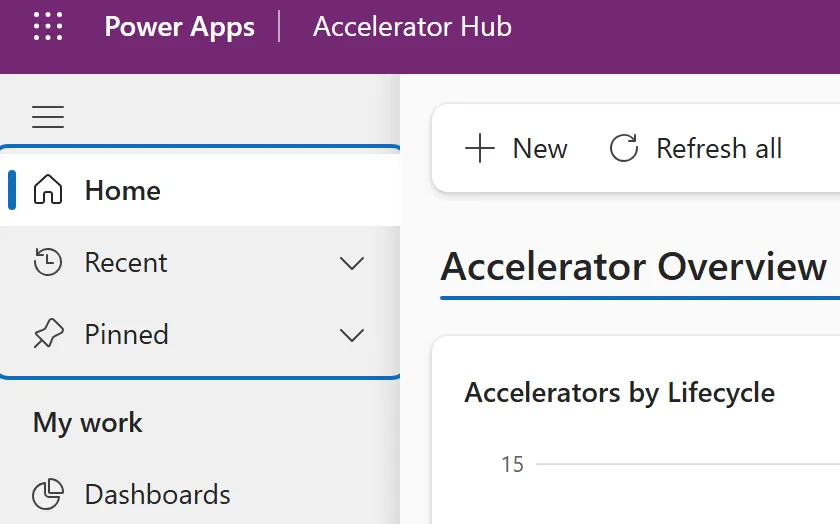
Shortcuts at the top of the site map: Home opens the default dashboard, Recent lists what you opened, and Pinned keeps your favourites.
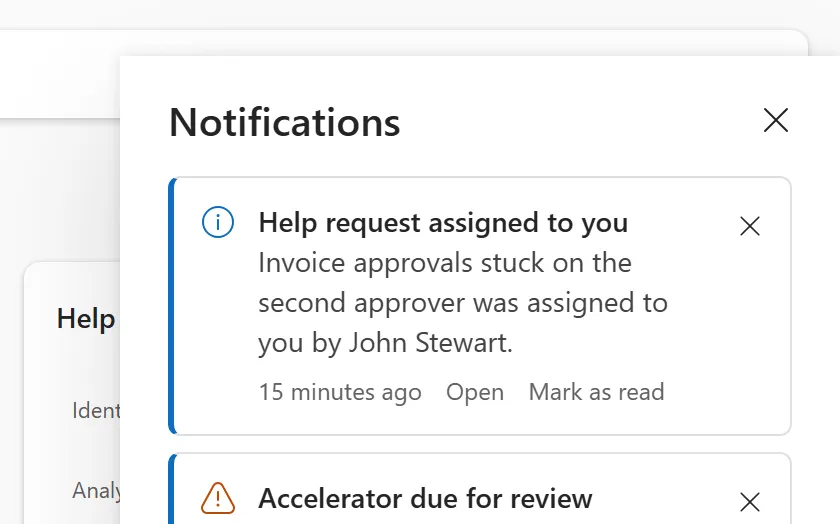
A bell in the app header that shows in-app notifications sent to you, with a count, a panel to read them and a way to dismiss them.