Cloud flow with filter rows not triggered
Why a Dataverse cloud flow with filter rows does not trigger on a column added after the flow was created, and how to fix it.
Introduction
If you create a cloud flow with a filter row and it doesn’t trigger, even though you’re using the right data and correctly syntaxed filter rows, follow this article to find out why and how to fix it 🤓.
CallbackRegistration table/entity
When you want to use a column in a filter rows, which is created after you created the cloud flows. It is possible that your flow does not trigger, even though you have the syntax and data correct.
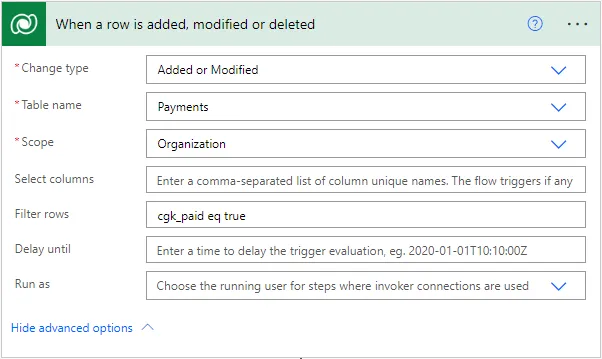
WebHooks are defined by callback registration records. The CallbackRegistration table/entity contains the filterExpression property, which shows you more information about your trigger.
If your flow was not triggered as discussed, your filter expression may not show up correctly here. Even though it is correct in the cloud flow. Please take a look at the table via the following link by replacing [ORG]
https://[ORG].crm4.dynamics.com/api/data/v9.2/callbackregistrations
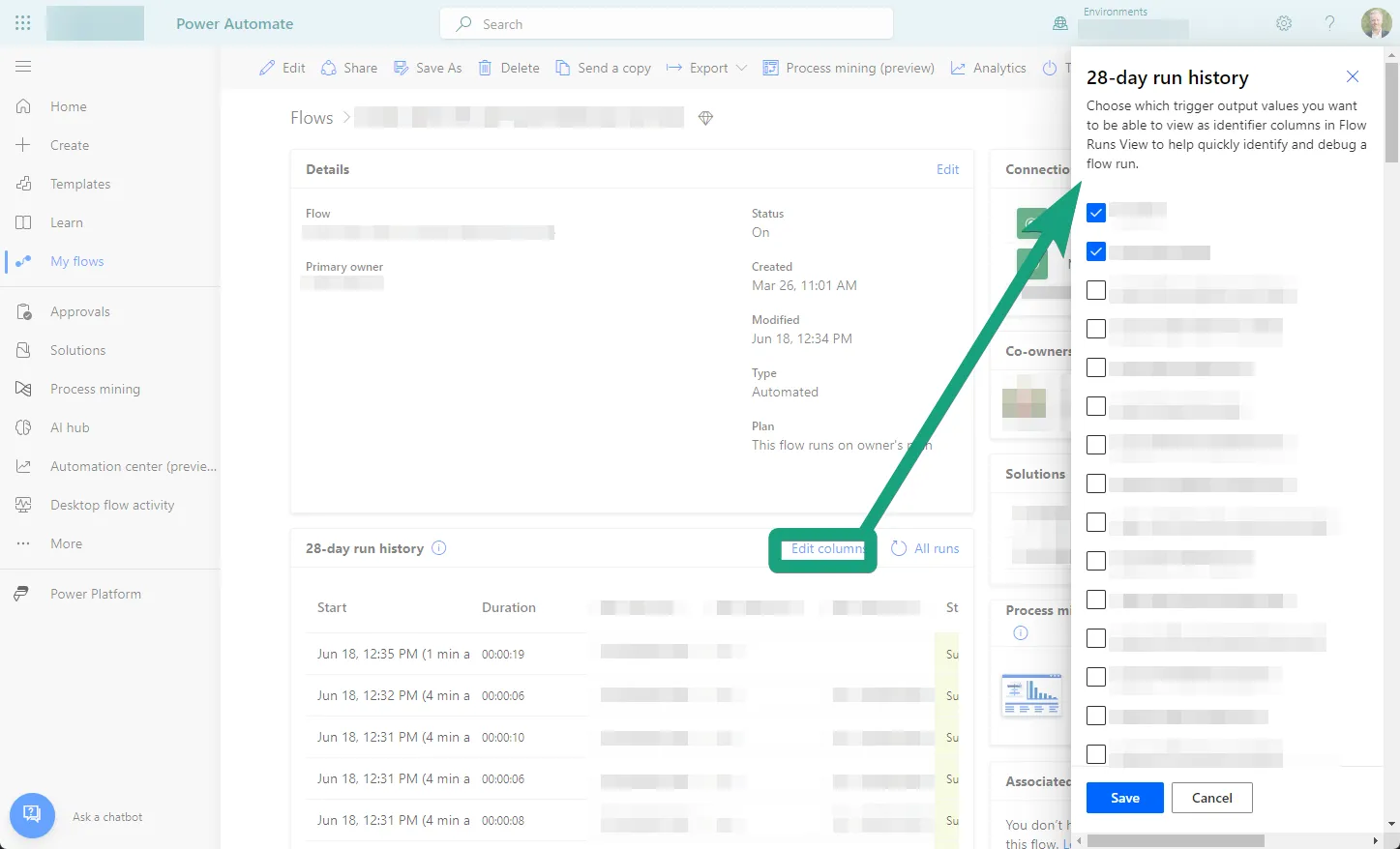
When trying to make the column visible in the following screen, you’ll also notice it’s not visible because your trigger doesn’t know it (yet).
Reset the trigger and flow
To make the column visible for the trigger in order to fix your filter rows, we’ll reset the trigger and reset the flow.
- Delete the trigger in your flow and re-add it. Don’t forget to add all the referenced data in the steps in your flow
- Turn your flow off and on (Thanks Roy from The IT Crowd 😉)
- Trigger your flow with an empty filter rows
- Re-add the filter rows
You’ll see that:
- The column is visible when you try to add it as a column in the run history overview
- The CallbackRegistration table has a record related to your flow with a correct filterExpression property
- Your flow works correctly 🎉
Published