Power Platform
How to bulk delete records in Dataverse
By Ynias Bensch, Power Platform consultant
Delete large numbers of Dataverse records in a few clicks with a bulk deletion system job, including how to preview the records first.
Introduction
When you have a lot of data*, it is convenient when you don’t have to delete it manually but with a few clicks. In this post, I describe how to do this. * For example, by having a flow that keeps running 😉
Bulk record deletion
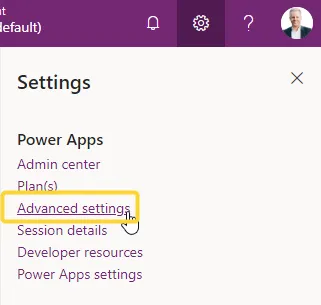
1. To get started, navigate to the advanced settings in Power Platform.
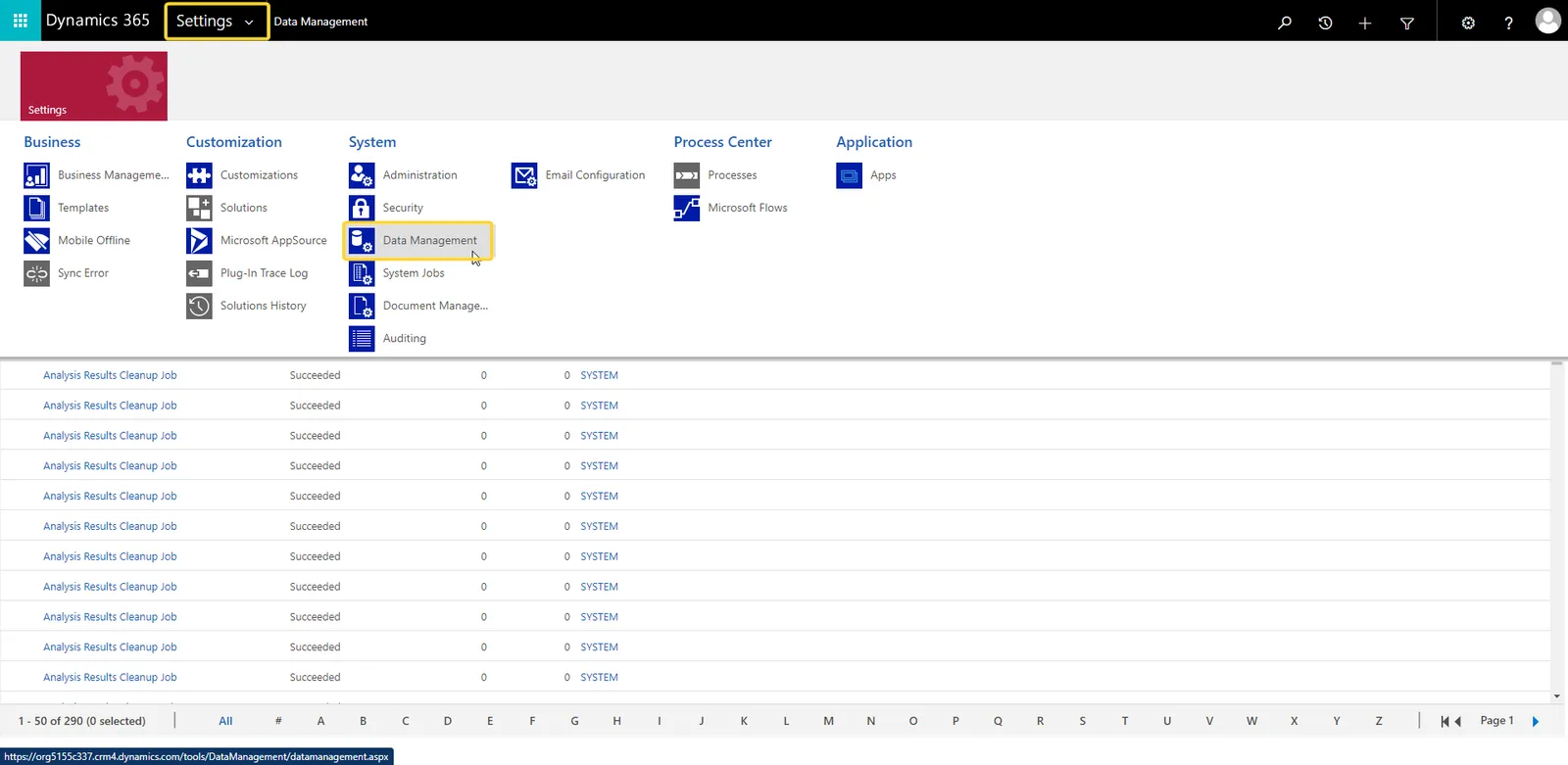
2. Select Data Management
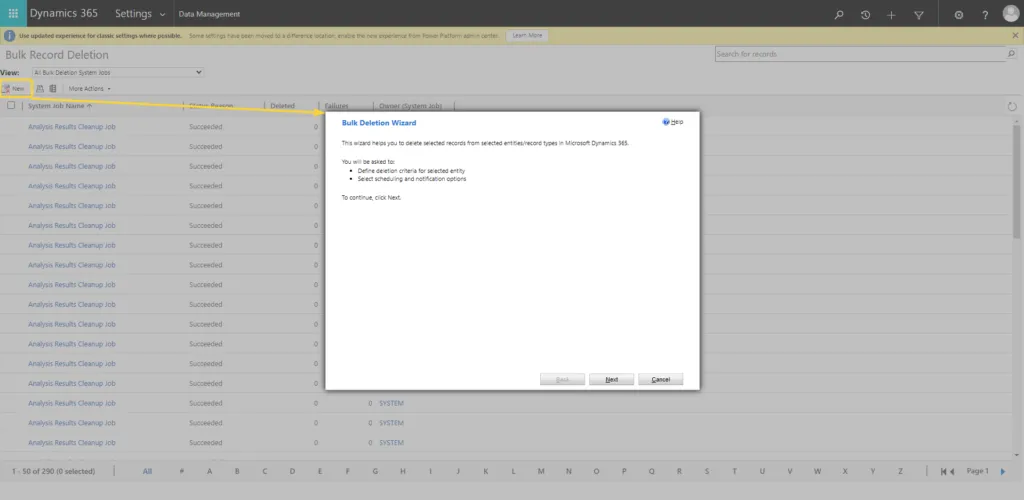
3. Add a new system job
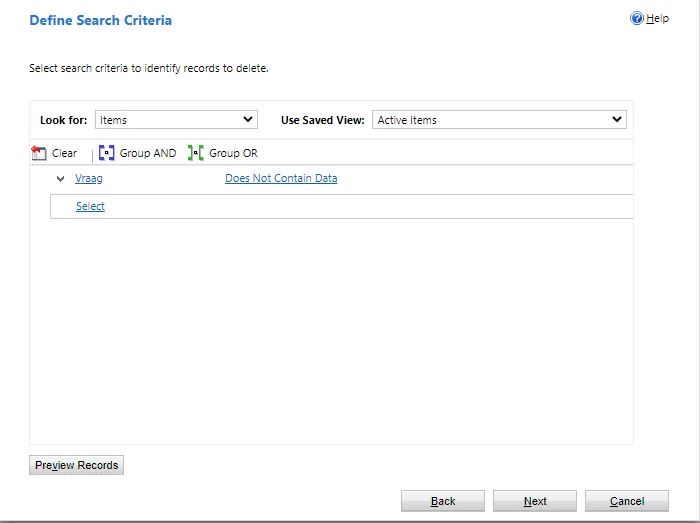
4. You then define the search criteria for the items you wish to delete. Complex logic can be created here but also very simple ones. Previewing the records is recommended.
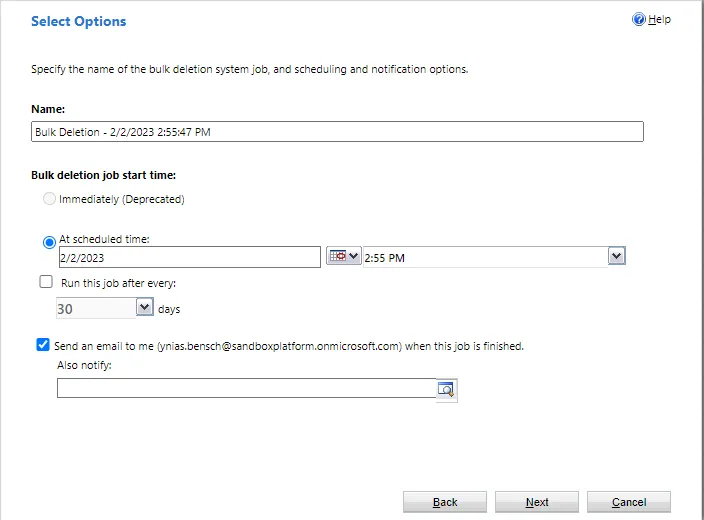
5. Finally, you can create the job and preferably also choose to be notified when it is done.
Published , updated

Ynias Bensch
Power Platform consultant. Automating business processes with applications and workflows.

